
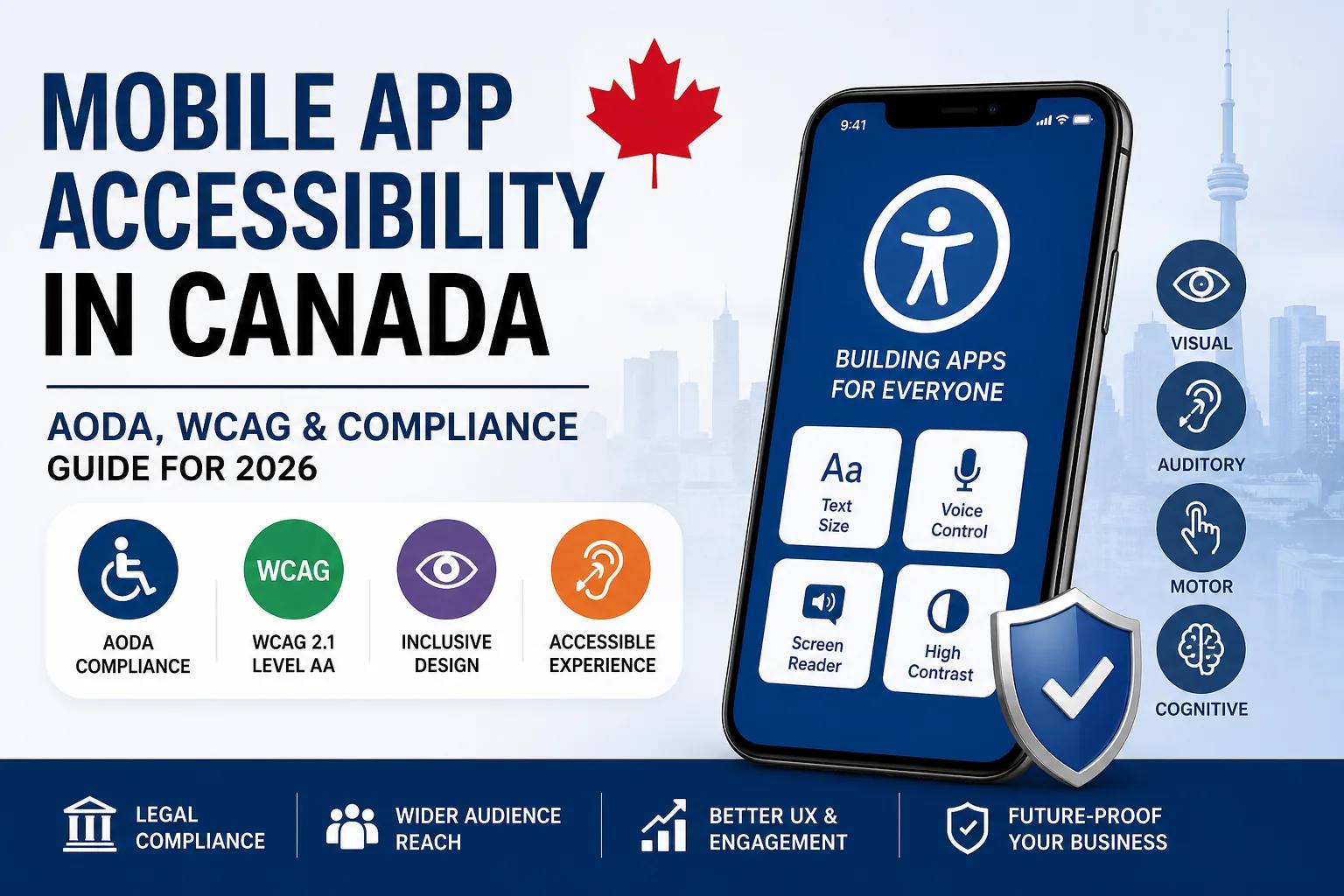
Mobile App Accessibility Canada: AODA & WCAG Guide (2026)
In 2026, mobile app accessibility in Canada is no longer optional — it’s a legal requirement and a competitive advantage.
With increasing digital adoption across industries, Canadian businesses must ensure their mobile applications are accessible to users with disabilities. Compliance with AODA and WCAG guidelines not only helps avoid legal risks but also improves usability, expands your customer base, and strengthens your brand reputation.
This guide explains everything Canadian businesses need to know about accessible mobile apps, WCAG compliance, and AODA regulations.
Why App Accessibility Matters in Canada
Over 6 million Canadians live with some form of disability. That includes:
- Visual impairments
- Hearing loss
- Motor disabilities
- Cognitive limitations
If your mobile app is not accessible, you may be excluding a significant portion of your audience.
Accessibility improves:
- User experience (UX)
- App engagement
- User retention
- Brand trust
- Legal compliance
For businesses targeting Ontario or public sector contracts, accessibility is especially critical due to strict AODA regulations.
What Is AODA?
AODA (Accessibility for Ontarians with Disabilities Act) is an Ontario law that aims to make the province fully accessible.
Under AODA:
- Digital platforms (including mobile apps) must follow accessibility standards.
- Organizations must ensure digital content is usable by people with disabilities.
- Non-compliance can result in financial penalties.
Although AODA applies specifically to Ontario, many Canadian businesses adopt its standards nationwide to reduce legal risks.
What Is WCAG?
WCAG (Web Content Accessibility Guidelines) is the global accessibility standard created by the W3C.
Most Canadian accessibility laws reference WCAG 2.0 or WCAG 2.1 Level AA as the benchmark for compliance.
WCAG is built around four principles:
1. Perceivable
Users must be able to perceive content.
- Text alternatives for images
- Captions for videos
- Sufficient color contrast
2. Operable
Users must be able to navigate the app.
- Keyboard accessibility
- Screen reader compatibility
- No time-based limitations without control
3. Understandable
Content must be clear and predictable.
- Simple language
- Consistent navigation
- Clear error messages
4. Robust
Apps must work with assistive technologies.
- Compatible with screen readers
- Works with accessibility tools across devices
Key Accessibility Features for Mobile Apps
To build accessible mobile apps in Canada, consider implementing:
✔ Screen Reader Compatibility
Support for VoiceOver (iOS) and TalkBack (Android).
✔ Adjustable Text Size
Allow users to increase font size without breaking layout.
✔ High Contrast Mode
Ensure color contrast ratio meets WCAG Level AA standards.
✔ Alternative Text for Images
All non-text content should have descriptive alt text.
✔ Accessible Forms
- Clear labels
- Error guidance
- Logical tab order
✔ Voice Navigation Support
Helpful for users with motor impairments.
AODA & WCAG Compliance Checklist for 2026
Here’s a simplified compliance checklist:
- Follow WCAG 2.1 Level AA standards
- Test app with screen readers
- Ensure minimum 4.5:1 color contrast ratio
- Avoid flashing content
- Make navigation consistent
- Provide captions/transcripts for multimedia
- Conduct accessibility testing before launch
Accessibility should be integrated from the design phase — not added later as a patch.
Risks of Ignoring App Accessibility in Canada
Failing to comply can lead to:
- Legal penalties (especially in Ontario)
- Government contract disqualification
- Brand reputation damage
- Loss of customers
- Poor app store reviews
Beyond legal compliance, inaccessible apps often suffer from lower engagement and higher churn rates.
Benefits of Accessible Mobile Apps
Accessibility is not just about compliance — it’s smart business.
1. Larger Market Reach
Accessible apps serve seniors and users with temporary or permanent disabilities.
2. Better User Experience
Accessibility improvements benefit all users, not just those with disabilities.
3. Improved SEO & App Visibility
Structured content, alt text, and better UX can improve discoverability.
4. Higher Retention & Engagement
Apps that are easier to use naturally retain users longer.
How Canadian Businesses Can Implement Accessibility
Step 1: Conduct an Accessibility Audit
Identify gaps in design, development, and content.
Step 2: Redesign With Inclusive UX
Use inclusive design principles from the start.
Step 3: Implement Accessible Development Standards
Develop using accessibility-compliant UI components and semantic structures.
Step 4: Perform Accessibility Testing
Test with:
- Real users with disabilities
- Screen readers
- Accessibility testing tools
Step 5: Continuous Monitoring
Accessibility is ongoing. Regular updates must maintain compliance.
Accessibility in iOS vs Android Apps
Both platforms offer built-in accessibility tools:
- iOS: VoiceOver, Dynamic Type, Guided Access
- Android: TalkBack, Select to Speak, Accessibility Menu
Developers should ensure compatibility across both ecosystems.
The Future of Mobile App Accessibility in Canada
By 2026 and beyond:
- Accessibility standards will become stricter.
- Government contracts will require documented compliance.
- Users will expect inclusive digital experiences.
- AI-powered accessibility features (like voice control and predictive text) will become standard.
Businesses that prioritize accessibility today will gain long-term competitive advantages.
FAQs
Is app accessibility mandatory in Canada?
It is mandatory in Ontario under AODA and increasingly required nationwide for public sector and large organizations.
What WCAG level is required in Canada?
WCAG 2.0 or 2.1 Level AA is generally required.
Does accessibility apply to mobile apps or just websites?
It applies to digital platforms, including mobile applications.
How much does accessibility implementation cost?
Costs vary based on app complexity, but integrating accessibility early is significantly cheaper than retrofitting later.
Final Thoughts
Mobile app accessibility in Canada is no longer optional. With AODA regulations, WCAG standards, and increasing user expectations, businesses must build inclusive digital experiences.
Accessible mobile apps are legally compliant, user-friendly, and future-ready.
If you’re planning to develop or upgrade your app in 2026, accessibility should be a core part of your strategy — not an afterthought.
Categories: Uncategorized
Have a project in mind?
Let's talk about how we can build it. Free consultation, no obligation.
Get a Free Consultation