
iOS vs. Android vs. Cross-Platform: Which Should a Canadian Business Build First?
Most "iOS vs. Android" advice is written for a global audience, and globally the answer looks obvious: Android runs on roughly seven in ten smartphones. In Canada, the picture flips. iPhones account for about two-thirds of mobile web traffic here. If you're building an app for Canadian customers, advice based on global numbers can point you the wrong way.
This guide walks through the Canadian market, the real differences between iOS, Android and cross-platform development, what each costs and how long it takes, and a simple way to decide which to build first.
Key takeaways
- In Canada, iOS accounts for about 65% of mobile web traffic and Android about 35% (StatCounter, September 2026), almost the reverse of the global split.
- Consumer apps aimed at Canadians usually lean iOS-first or cross-platform. Field, logistics and frontline-worker apps often lean Android, because that's what company-issued devices tend to run.
- Cross-platform frameworks such as Flutter and React Native let one codebase serve both platforms, which is usually the most cost-effective route when you need both at launch.
- Go native when the app depends on deep device features (advanced camera, Bluetooth, augmented reality, heavy background work) or demands top performance.
- Plan for Canadian specifics early: French for Quebec users, privacy law (PIPEDA and provincial laws) and accessibility for public-sector and enterprise buyers.
The Quick Answer
- Build iOS first when your users are mainly Canadian or US consumers or professionals, your app earns money through subscriptions or in-app purchases, or it depends on Apple features such as HealthKit or Apple Pay.
- Build Android first when your users are frontline or field workers on company-issued Android devices, your app runs on rugged devices, kiosks or tablets, or your audience is outside North America.
- Build cross-platform when you need both platforms at launch, your budget is limited, and the app is built mostly from standard features: forms, dashboards, booking, messaging, content and commerce.
- Build native for both when performance or deep device integration is the product, and budget allows two specialized builds.
iOS vs. Android in Canada: What the Numbers Say
| Market | iOS share of mobile traffic | Android share | Source |
|---|---|---|---|
| Canada | 64.9% | 35.1% | StatCounter, September 2026 |
| North America | 60.2% | 39.8% | StatCounter, August 2026 |
| Worldwide | 30.8% | 69.2% | StatCounter, September 2026 |
Two cautions. First, these figures measure web page views from phones, which is a good proxy for usage, but not an exact count of devices or app users. Second, your audience is not the national average. A B2B app for warehouse staff, a delivery app for drivers or a healthcare app used on clinic tablets can skew heavily toward Android, even in an iPhone-heavy country. Check your own data first: website analytics by device, waitlist sign-ups and what your target customers' companies actually issue to their staff.
iOS vs. Android vs. Cross-Platform at a Glance
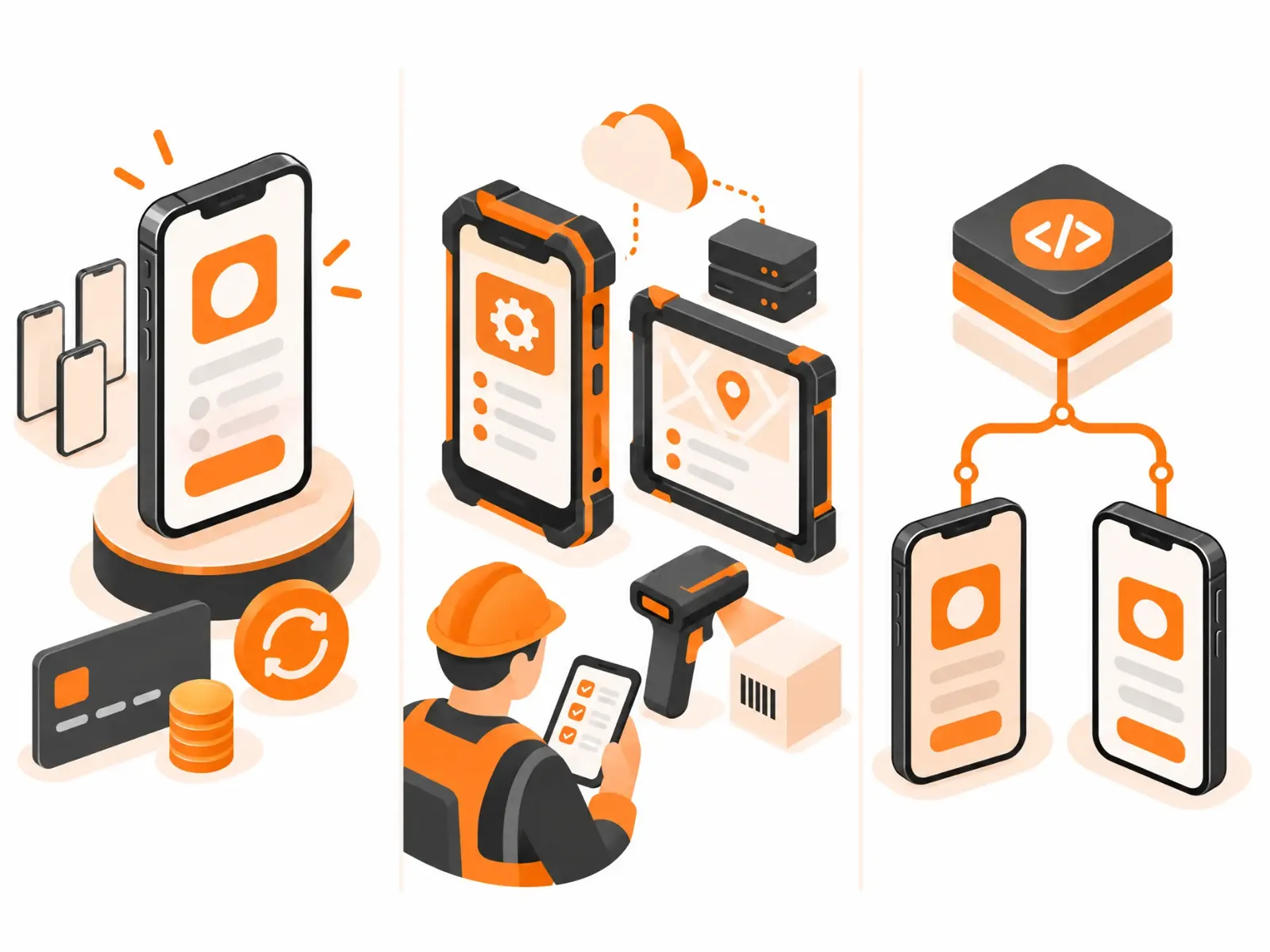
| Factor | Native iOS | Native Android | Cross-platform (Flutter, React Native) |
|---|---|---|---|
| Reach in Canada | About two-thirds of mobile users | About one-third | Both, from one codebase |
| Main languages | Swift | Kotlin | Dart (Flutter) or JavaScript/TypeScript (React Native) |
| Device variety to test | Small, predictable range | Wide range of makers and screen sizes | Both ranges |
| Access to device features | Full | Full | Most features; some need native modules |
| Cost for both platforms | Second platform is a separate build | Second platform is a separate build | Usually the lowest for both |
| Best fit | Consumer, subscription and premium apps | Field, enterprise-device and global apps | MVPs and most business apps |
When iOS Should Come First
- Your customers are mainly Canadian or US consumers or professionals.
- The app makes money through subscriptions, paid features or in-app purchases. iPhone users have historically spent more per user on apps.
- The product relies on Apple-specific capabilities: HealthKit, Apple Pay, Apple Watch, or tight iPad and Mac workflows. For health products, compliance matters as much as platform; see our healthcare app development guide for Toronto.
- You want to validate an idea quickly on a smaller, more predictable range of devices.
The risk is leaving out the third of Canadians on Android. If the app needs to reach everyone from day one, cross-platform is usually a better answer than iOS alone. See our iOS app development service for how we approach native iOS builds.
When Android Should Come First
- Your users are frontline workers on company-issued devices: logistics, construction, field service, retail operations.
- The app runs on rugged phones, tablets, kiosks or handheld scanners, much of which runs Android.
- You need deeper control over background processing, device management or hardware that Android allows more flexibly.
- Your audience is mainly outside North America, Western Europe and Australia, where Android dominates.
Plan for testing across many manufacturers, screen sizes and Android versions, including low-end and mid-range devices, not just flagship phones. Our Android app development work covers exactly this kind of device matrix.
When Cross-Platform Is the Smart Move
For most Canadian businesses that need both platforms, cross-platform is the most practical starting point. One team writes one codebase that ships to both the App Store and Google Play, which usually means a faster launch and a lower total cost than two native builds.
Flutter vs. React Native vs. Kotlin Multiplatform
- Flutter (Google, written in Dart) draws its own interface, so apps look consistent across platforms and perform well. A strong default for design-led apps.
- React Native (Meta, JavaScript or TypeScript) uses native interface components and suits teams that already work in JavaScript, especially if there's a web app too.
- Kotlin Multiplatform shares business logic between platforms while keeping fully native interfaces. A good middle path when native feel matters but duplicated logic doesn't.
We go deeper on Flutter in our guide to Flutter app development in Vancouver.
When to avoid cross-platform
If the app's core value depends on advanced camera processing, Bluetooth hardware, augmented reality, real-time audio or video, or heavy background work, cross-platform savings can disappear into custom native modules. Prototype the riskiest feature on real devices before committing.
Cost and Timeline: What to Expect in Canada
| Approach | Relative cost for both platforms | Typical timeline for a first version |
|---|---|---|
| One native platform only | Lowest up front, but reaches only part of the market | 3 – 5 months |
| Cross-platform (both platforms) | Usually much lower than two native builds | 3 – 6 months |
| Two native apps | Highest; approaches double the effort for full feature parity | 4 – 8 months, often with parallel teams |
Scope drives cost far more than platform choice. Integrations, the back end, compliance and design quality all add up regardless of platform. Remember the running costs too: Apple's developer program costs US$99 a year, Google Play has a one-time US$25 registration fee, and maintenance typically runs about 15–20% of the build cost per year. For full budget ranges, see our Application Development Cost guide.
Canadian Considerations Most Guides Miss
- French for Quebec users. If you serve customers in Quebec, plan for French from the start; Quebec's language laws set requirements for French in commerce. Retrofitting translation into an app that wasn't designed for it is far more expensive. Confirm your obligations with counsel.
- Privacy law. PIPEDA covers much private-sector activity, and Quebec (Law 25), Alberta and British Columbia have their own private-sector privacy laws. Both app stores also require you to disclose what data you collect, including data gathered by third-party SDKs in your app.
- Accessibility. Public-sector bodies and many larger enterprises expect accessibility conformance, usually measured against WCAG. Building it in costs far less than adding it later.
- Data residency. Health, finance and public-sector customers may require Canadian hosting for the app's back end, which is a cloud decision independent of iOS or Android.
- App store accounts. Set up your Apple and Google developer accounts early, in your company's name. Apple requires a Mac with Xcode to build and submit iOS apps, even for cross-platform projects. On Google Play, new personal developer accounts must run a closed test before publishing, while organization accounts follow a simpler path.
A Simple Decision Framework
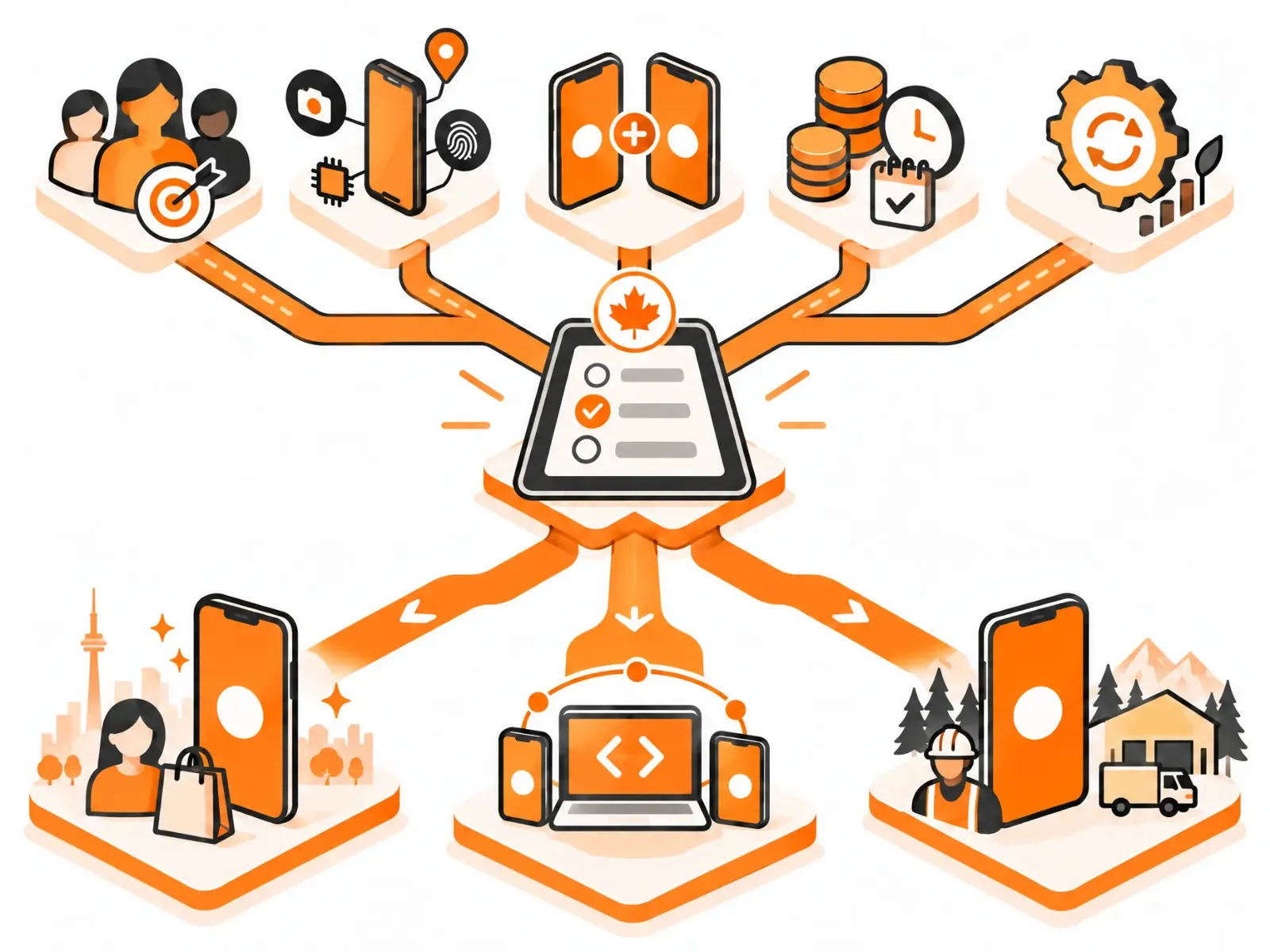
- Who are your first users? Check real data: website analytics by device, waitlist sign-ups, or the devices your customers' companies issue.
- What's your riskiest feature? If it needs deep device access, prototype it natively first.
- Do you need both platforms at launch? If yes and the app uses mostly standard features, go cross-platform.
- How do you make money? Subscription and in-app revenue from Canadian consumers points toward iOS-first or cross-platform.
- Who will maintain it? Pick the approach your team, or your partner, can support for years, not just ship once.
Do You Need a Mobile App at All?
For many B2B products, a responsive web app or progressive web app is the faster, cheaper first step, with a mobile app added once usage shows it's needed. We cover that decision in Web App vs. Mobile App: Which Should You Build First?, and for SaaS products specifically, in SaaS MVP development.
How App-Scoop Helps Canadian Businesses Choose and Build
We build native iOS, native Android and cross-platform apps, so our recommendation isn't tied to one technology. Every project starts with a fixed-fee Blueprint, which includes testing the riskiest feature and agreeing a fixed scope, timeline and price before the build. See our mobile app development services, or get in touch for an honest read on which platform fits your app.
Frequently Asked Questions
Should I build my app for iOS or Android first in Canada?
For most consumer apps aimed at Canadians, iOS-first or cross-platform makes sense, since iPhones account for about two-thirds of mobile traffic here. Apps for field or frontline workers often lean Android, because many company-issued devices run it. Check your own audience data before deciding.
Do more Canadians use iPhone or Android?
iPhone. StatCounter's September 2026 data puts iOS at about 65% of mobile web traffic in Canada and Android at about 35%, roughly the reverse of the worldwide split.
What is the best mobile app platform for an MVP?
Usually cross-platform, because it reaches both iOS and Android users from one codebase at a lower cost. A single native platform can make sense when your first users are clearly concentrated on one.
Is cross-platform cheaper than native app development?
For both platforms, usually yes, because most of the code is shared. It isn't automatically cheaper if the app depends heavily on native features that need custom modules, so check that early.
Is iOS or Android cheaper to build for?
For the same features, the cost of one native platform is broadly similar. Android may need more testing across devices. The bigger cost decision is native for one platform, native for both, or cross-platform for both.
When is native app development better than cross-platform?
When the app depends on advanced camera processing, Bluetooth hardware, augmented reality, real-time media, heavy background work or the very latest platform features, or when top performance is part of the product.
Is Flutter or React Native better?
Neither is better in every case. Flutter gives strong visual consistency and performance; React Native suits teams with JavaScript experience and products that pair with a web app. The right choice depends on your team and your features.
Can I add the second platform later?
Yes. With a native app, the second platform is a separate build. With cross-platform, both are usually covered from the start. Planning the back end for both platforms from day one makes adding the second much easier.
Do I need a Mac to build an iOS app?
Yes. Building and submitting iOS apps requires Apple's Xcode, which runs on macOS, even for apps written in Flutter or React Native. Development teams usually handle this for you.
How much does it cost to publish on the App Store and Google Play?
Apple's Developer Program costs US$99 a year. Google Play charges a one-time US$25 registration fee. Development, testing and maintenance are the much larger costs.
Does my app need to be in French?
If you serve customers in Quebec, plan for French. Quebec's language laws set requirements for French in commerce, and designing for two languages from the start is far cheaper than adding one later. Confirm specifics with legal counsel.
What's the safest way to choose a mobile platform?
Start with real data about your users, list the features that carry technical risk, prototype the riskiest one on real devices, compare total cost of ownership over a few years, then decide.
Have a project in mind?
Let's talk about how we can build it. Free consultation, no obligation.
Get a Free Consultation