
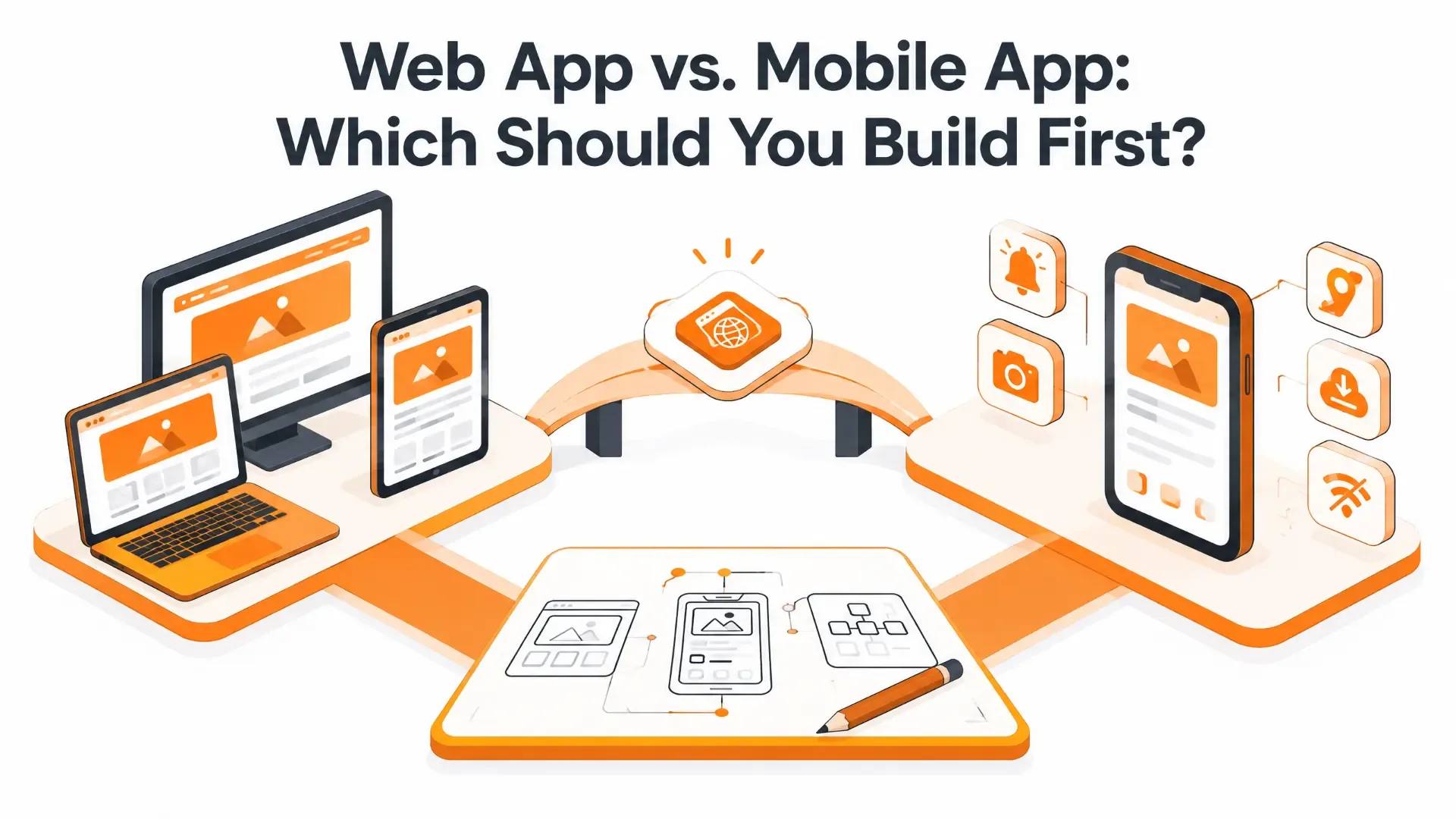
Web App vs. Mobile App: Which Should You Build First?
This decision comes up earlier than most founders expect—usually right after the idea itself feels solid, and right before any real money gets spent. Building both at once is rarely the right call for a first product; it splits your budget, your timeline, and your ability to actually learn from real users before you've committed to either direction.
So which one goes first? Here's an honest breakdown, not a sales pitch for either option.
TL;DR
- Web apps are almost always faster and cheaper to launch first—one build works everywhere, no app store approval, and updates go live instantly.
- Mobile apps win on performance, device access such as camera, GPS and biometrics, and user retention through push notifications and a home-screen icon.
- A Progressive Web App (PWA) is a genuine middle ground worth knowing about—a web app that behaves like a mobile app with offline support, push notifications and home-screen installation, without needing app store approval.
- The common, sensible pattern for most startups is to launch web first to validate the idea cheaply, then build mobile once real usage data justifies the bigger investment.
What's Actually Different Between Them
| Factor | Web App | Mobile App |
|---|---|---|
| Access | Instant, via any browser | Requires download and installation from an app store |
| Reach | Works on any device with internet access | Platform-specific, with separate builds for iOS and Android |
| Cost and timeline | Lower and faster, with one shared codebase | Higher and slower, with per-platform development and store review |
| Performance | Depends on the connection and browser | Faster, smoother and able to work offline |
| Device access | Limited access to native camera, GPS and biometrics | Full access to hardware and operating-system features |
| Updates | Instant, server-side and requiring no user action | Users must download updates, with a separate rollout per platform |
| Engagement tools | Limited push notifications and home-screen presence | Push notifications, a home-screen icon and deeper retention tools |
The Case for Building Web First
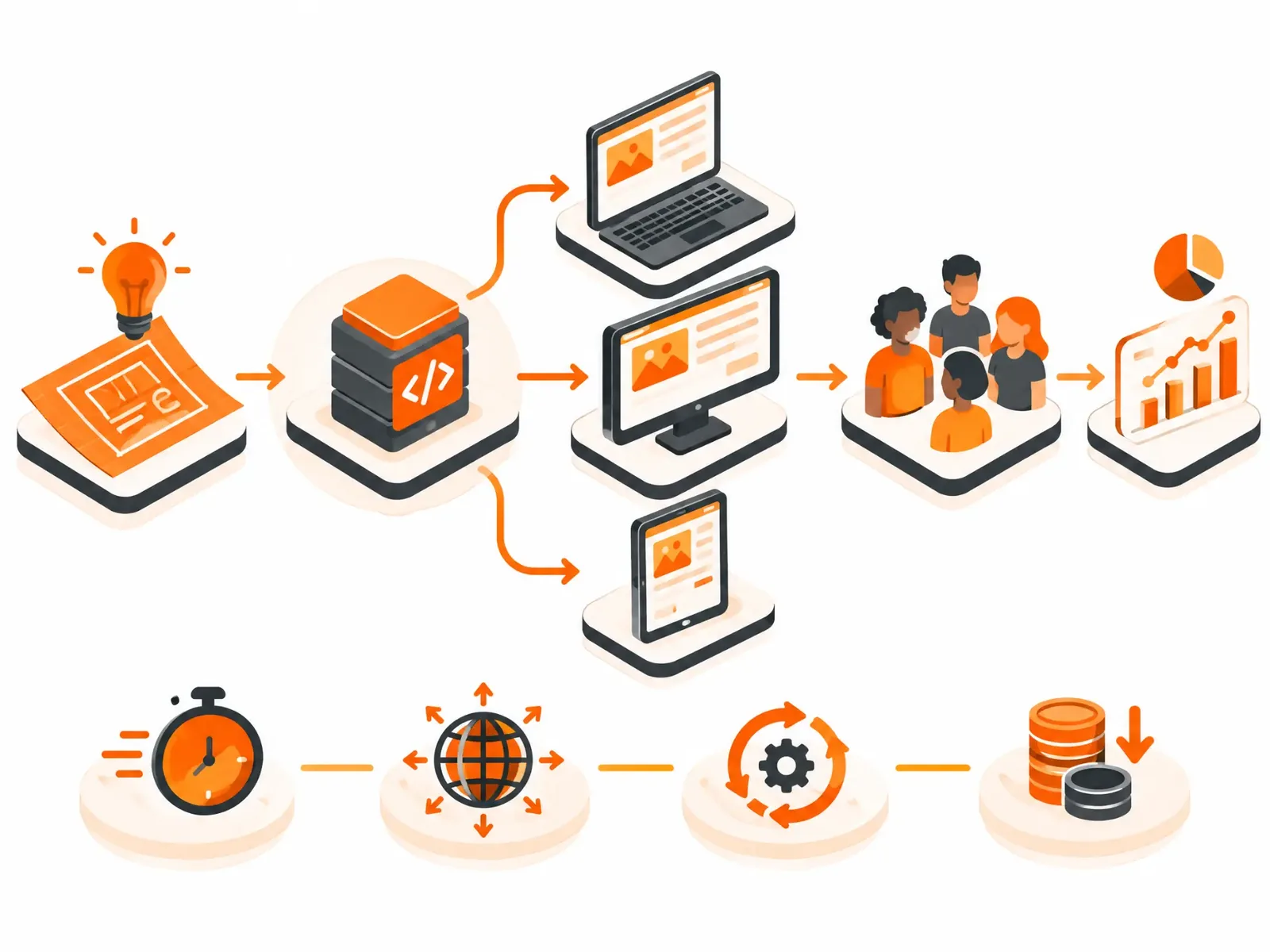
For most startups and early-stage products, web is the smarter starting point. It is quicker to design, build, test and ship, with no app-store review process standing between a finished build and real users. Updates happen instantly on the server side, so you are not waiting on Apple or Google to approve a bug fix. Because one build works across every device with a browser, you can validate the idea with the widest possible audience before committing to a bigger investment. This is exactly the kind of work our web application development team handles.
Web also tends to win when your users mostly work on laptops and office desktops, as with B2B platforms, admin portals and dashboards. A web app can be indexed by Google and found through search, while a mobile app depends mainly on app store optimization and paid installs, so web has the edge if organic traffic matters. In Canada, build security in from day one: PIPEDA compliance, any data residency requirements your clients have, secure authentication such as OAuth and MFA, and encryption.
The Case for Building Mobile First
A handful of situations genuinely call for mobile first, not just “mobile eventually”:
- The product depends on hardware—GPS for navigation or delivery tracking, a camera for scanning or augmented reality, or biometric login for secure access.
- You need offline functionality, such as for field-service apps, inspection tools or anything used where a signal cannot be guaranteed.
- Daily engagement is core to the product. Push notifications and a home-screen icon meaningfully outperform a bookmarked website for pulling users back in.
- Your specific audience is already mobile-first, and you have research to support that conclusion rather than simply assuming it.
If any of these are genuinely true for your product, mobile deserves to go first, not second. We build native mobile experiences through our mobile app development team, with dedicated iOS and Android development based on where your audience actually is.
The Middle Ground: Progressive Web Apps
A Progressive Web App (PWA) is a web app enhanced to behave much like a mobile app. It can work offline, send push notifications and be added to a home screen, all without an app-store submission. It is genuinely underused as an option, mostly because fewer people know it exists as a real middle path rather than a compromise.
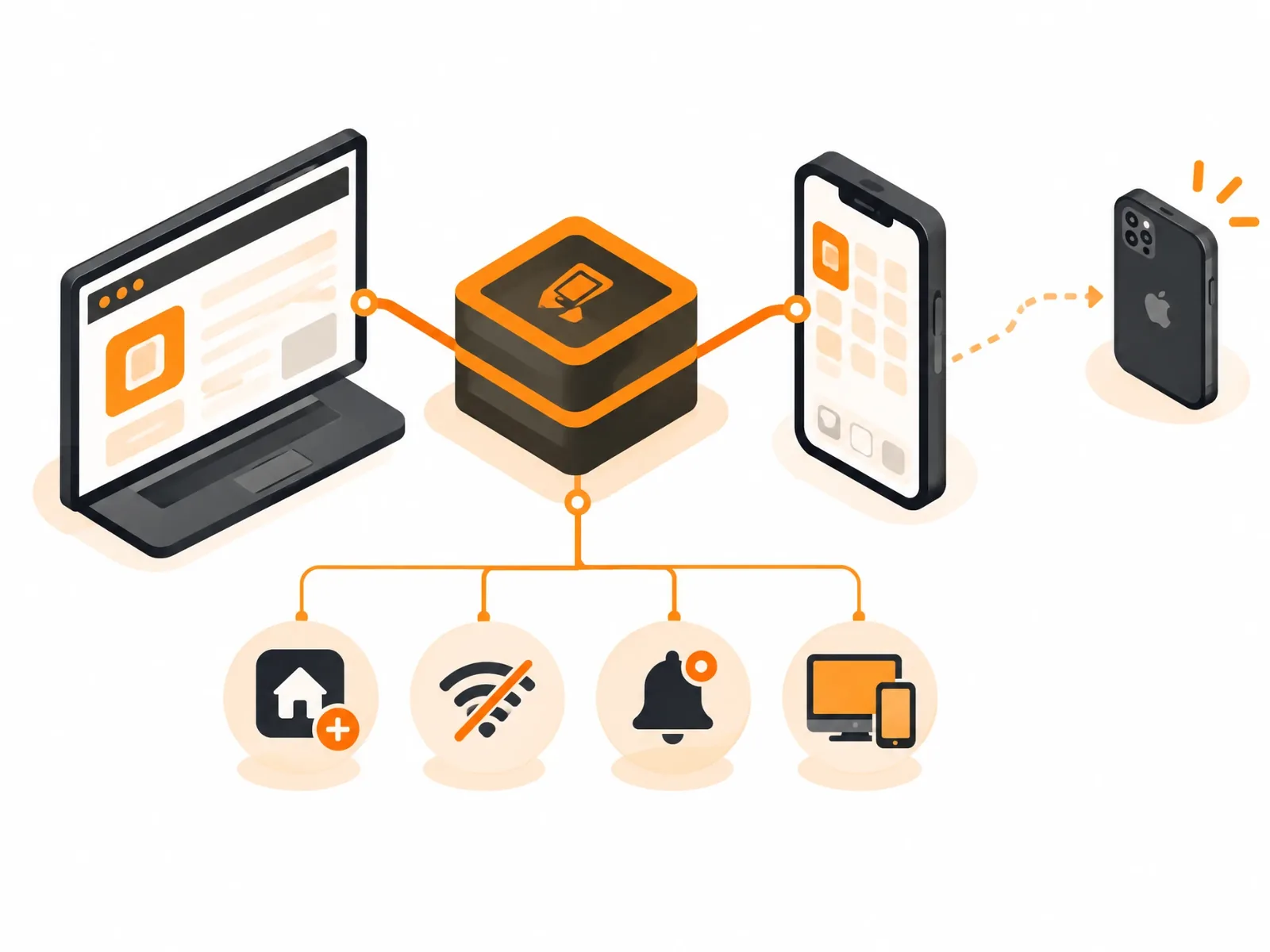
It is not a universal answer. A PWA still cannot access every native device feature available to a fully native app, and native still wins for demanding real-time performance or deep hardware integration. But for a product sitting somewhere between “we just need a website” and “we need full mobile-app power,” it is worth serious consideration before defaulting straight to native development.
A Simple Way to Decide
- What does your budget and timeline actually allow right now? If funding or time is tight, web—or a PWA—gets you to real users faster and more affordably.
- Does the product genuinely need device hardware? Camera, GPS, biometrics or offline access are real reasons to go mobile first, not just nice-to-haves.
- How do your actual users behave, rather than how you assume they behave? Look at existing analytics or conduct real user research before assuming your audience is mobile-first.
- How important is daily re-engagement to the business model? Push notifications and a home-screen icon are meaningful advantages for products that depend on habitual, daily use.
- What is the plan for validation before a bigger investment? If you are not certain the idea works yet, the platform that gets you real user feedback fastest is usually the right first move.
What Most Startups Actually Do
The pattern that comes up again and again is to launch a lean web app—or PWA—first, validate the idea with real users at a lower cost, and then build the native mobile version once usage data justifies the larger investment. It is not the only right path, but it keeps the most options open while spending the least money before you know the idea works.
Because a web app and a future mobile app share most of the same backend logic and data, that early web build is not wasted effort after a mobile app joins it. That is exactly the kind of shared architecture our Full Stack Development team plans for from day one, rather than treating each platform as a separate project that happens to share a name.
Frequently Asked Questions
Is it cheaper to build a web app or a mobile app?
Web apps are almost always cheaper to build first. One shared codebase covers every device, compared with separate native development for iOS and Android. Mobile-app costs typically run higher because of per-platform development, app-store fees and the review process.
Can I build one app that works as both a website and a mobile app?
A Progressive Web App gets closest to this—a single web build that can be installed on a home screen and work offline, without needing separate native apps. It is a strong middle ground, though it does not replace native apps for everything, particularly deep hardware access or the smoothest possible performance.
How long does it take to build a web app versus a mobile app?
A focused web-app MVP can often launch in weeks to a couple of months. A native mobile app typically takes longer because of separate development for each platform and app-store review time, which can add days or weeks to each submission.
Should a startup always launch web first?
Not always. It is the right default when there is no hard requirement for device hardware, offline use or daily push-notification engagement. If your product genuinely depends on any of those, starting mobile-first is usually smarter than working around a web app's real limitations.
Do I need to choose one platform permanently, or can I add the other later?
You can add the other platform later, and many businesses do exactly that. Starting with one platform does not lock you out of the other; it simply sequences the investment according to what you can validate and afford today.
What if my app needs to connect to other business systems, such as a CRM or payment processor?
That is a separate but related decision that applies to both platforms. Our guide to API integration vs. custom development explains how to approach it once the core app is underway.
Where App-Scoop Fits In
Whichever direction makes sense for your product, we build both. Our web application development and mobile app development teams—including dedicated iOS and Android specialists—share the same Full Stack Development foundation, so an early web build is not wasted work if mobile comes next.
If your app must connect to other systems, our API & System Integration team handles that. If AI features are part of the plan, our AI Workflow Automation, ChatGPT & LLM Integration and Intelligent Data Processing teams build those capabilities properly.
We work with businesses in Vancouver, Toronto, Seattle and beyond. Get in touch and we'll give you an honest assessment of which platform fits your project first.
Have a project in mind?
Let's talk about how we can build it. Free consultation, no obligation.
Get a Free ConsultationRelated reading
- iOS vs. Android vs. Cross-Platform: Which Should a Canadian Business Build First?October 23, 2026 · 9 min read
- Mobile App vs. Mobile Website: A UX Comparison – Which Is the Better Option?December 29, 2020 · 6 min read
- Flutter vs React Native: Which is More Suitable for Mobile App Development?September 19, 2019 · 5 min read