
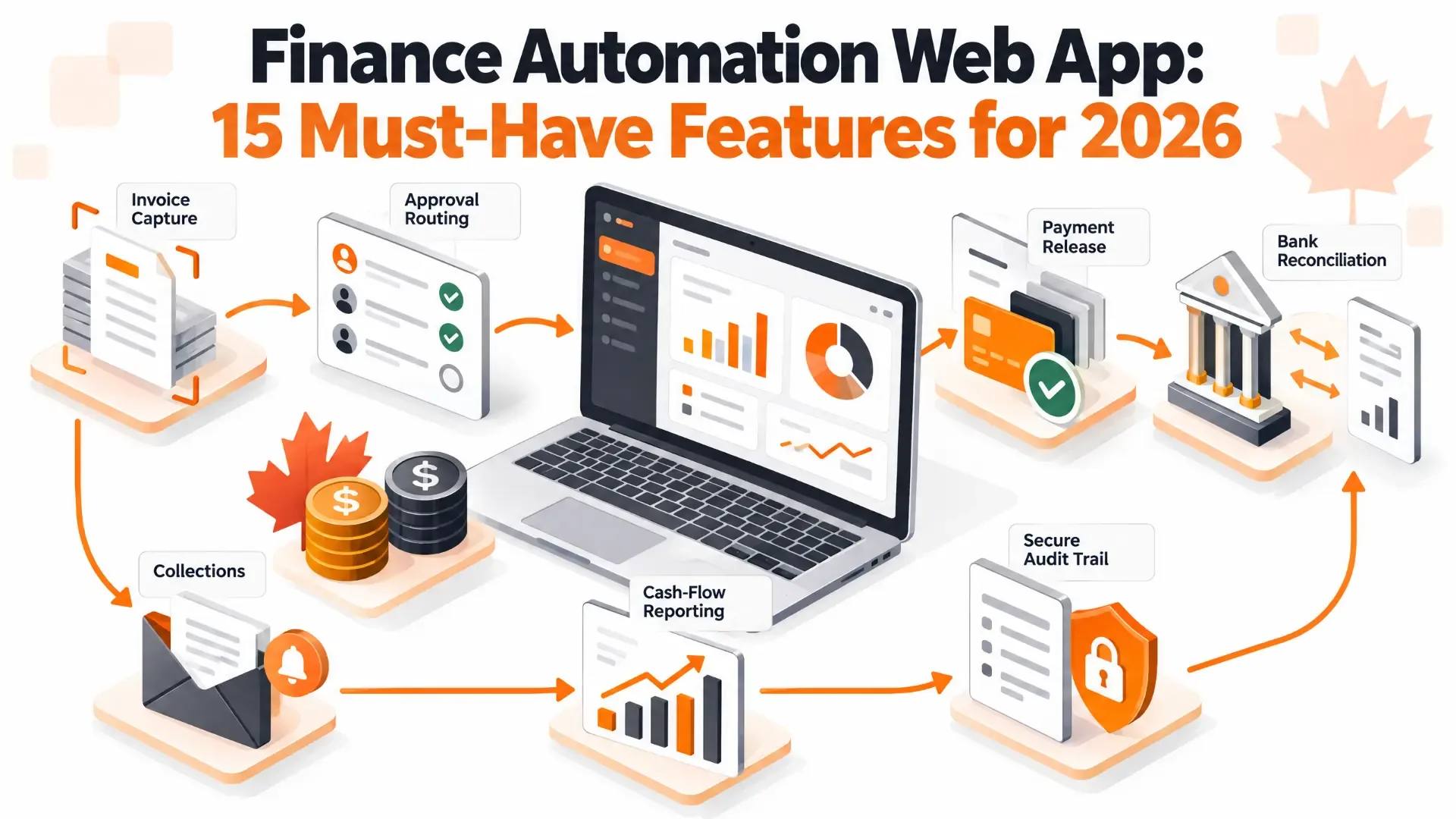
Finance Automation Web App: 15 Must-Have Features for 2026
Ask any finance team where their week goes and you'll hear the same list: keying invoices into the accounting system, chasing approvals by email, matching bank lines to transactions, nudging customers who haven't paid, and rebuilding the same spreadsheet every month-end. None of it is strategic. All of it is error-prone. And most of it can be automated.
Whether you're buying a finance automation platform or building a custom web app around your own processes, the features below are what separate a tool that genuinely saves hours from one that just moves the spreadsheet into a browser. We've grouped them into core workflows, control and insight, and the platform foundations, with a section on the Canadian requirements that generic feature lists leave out.
Key takeaways
- A finance automation web app should cover the full cycle: capturing documents, routing approvals, paying and getting paid, reconciling, and reporting, with an audit trail on every step.
- The highest-value automations are usually invoice capture, approval routing and bank reconciliation, because they remove the most manual keying and the most errors.
- Controls matter as much as speed: role-based access, segregation of duties, duplicate and fraud detection, and immutable audit logs.
- For Canadian businesses, plan for GST/HST, PST and QST handling, CAD/USD, Canadian payment rails, CRA record-keeping and privacy law from the start.
- Most companies don't need to replace their accounting system. A custom web app that sits on top of QuickBooks, Xero, Sage, NetSuite or Dynamics often delivers more value for less money.
What Is a Finance Automation Web App?
A finance automation web app is browser-based software that takes repetitive financial work off people's desks: invoices, approvals, payments, collections, reconciliations and reporting. It usually connects to your accounting or ERP system rather than replacing it, so the general ledger stays the source of truth while the busywork happens automatically around it.
Off-the-shelf platforms such as Tipalti, Plooto, Sage Intacct, BlackLine and HighRadius cover many of these workflows well. Companies build custom finance web apps when their processes don't fit a standard tool: multi-entity approval chains, industry-specific billing, unusual integrations, or a need to combine finance data with operational data in one place.
Core Workflow Features
1. Intelligent invoice capture
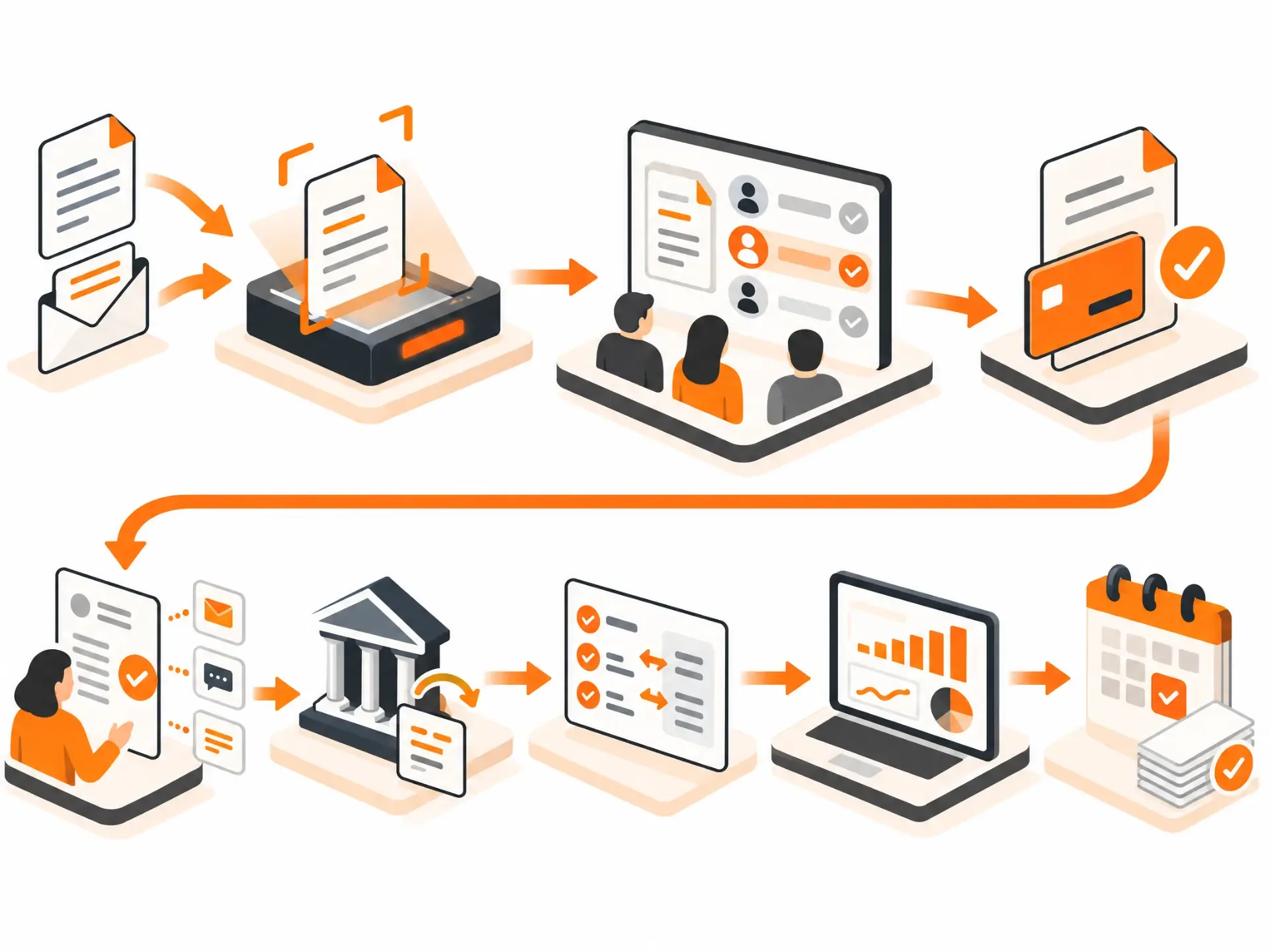
Invoices arrive as PDFs, scans, photos and emails. The app should read them automatically, extracting vendor, invoice number, dates, line items, taxes and totals, then flag anything it isn't confident about for a quick human check.
Modern systems combine OCR with AI-based extraction that learns each vendor's layout. This is exactly the kind of work our intelligent data processing team builds.
2. Rule-based approval workflows
Approvals should route themselves: by amount, department, vendor, project or entity, with thresholds that escalate large invoices and delegation rules for when someone is away. Approvers need to approve from email or mobile with the invoice in front of them, not log into a separate system to hunt for it.
3. Purchase order and receipt matching
Two-way matching compares an invoice with its purchase order; three-way matching adds the goods receipt. Automating this catches overbilling, partial deliveries and price changes before money leaves the account, and lets clean invoices flow straight through without a person touching them.
4. Vendor and customer management
A central record for every vendor and customer: contacts, terms, tax numbers, banking details and documents. A self-service vendor portal for onboarding and invoice status saves your team from answering "has my invoice been paid?" emails.
5. Payments
Schedule and release payments in batches, by approval status and due date. For Canadian businesses that typically means EFT, wires, cards and Interac e-Transfer for business, plus multi-currency support for USD suppliers. Payments should always require the right approvals and leave a record of who released what.
6. Receivables: invoicing, reminders and cash application
On the receivables side, the app should generate invoices, send reminders on a schedule, track disputes and promises to pay, and match incoming payments to open invoices automatically, including partial payments and payments without clear remittance details. Faster cash application is one of the quickest ways to reduce days sales outstanding.
7. Bank feeds and automated reconciliation
Connect bank and card accounts, pull transactions daily and auto-match them to ledger entries using rules (amount, date range, reference, counterparty). Anything that doesn't match goes to an exceptions queue with suggested matches. Even the leading platforms don't match everything automatically, so a good exceptions workflow matters as much as the matching engine.
8. Expense management
Employees snap receipts, the app reads them, applies policy rules (limits, categories, required notes) and routes claims for approval. Card transactions should match to receipts automatically, so month-end doesn't start with a pile of missing paperwork.
Control and Insight Features
9. Real-time dashboards and cash-flow forecasting
Finance leaders need live views of payables, receivables, cash position and upcoming obligations, plus a short-term cash forecast built from actual due dates rather than last quarter's averages. Our custom dashboard development work often starts here, because a single trusted view of cash is usually the first thing a CFO asks for.
10. Month-end close management
A close checklist with owners, due dates, dependencies and status, linked to the reconciliations and journal entries behind each task. It turns the close from a heroic effort into a repeatable process.
11. Complete audit trail
Every action (upload, edit, approval, payment release, change to banking details) should be logged with who, what and when, and the log shouldn't be editable. Auditors ask for this, and it's your best defence if something goes wrong.
12. Role-based access and segregation of duties
The person who creates a vendor shouldn't be the person who approves its invoices and releases its payments. The app should enforce these separations through roles and permissions, not rely on people remembering them.
13. Duplicate and fraud detection
Flag duplicate invoices (same vendor, amount and date, or near-identical invoice numbers), unusual amounts, and especially changes to a vendor's banking details, a common route for payment fraud. A bank-detail change should trigger independent verification before the next payment goes out.
Platform Features
14. Accounting and ERP integrations
Two-way sync with your accounting system (QuickBooks, Xero, Sage, NetSuite or Microsoft Dynamics) for vendors, chart of accounts, bills, payments and journal entries. Integration quality makes or breaks finance automation: if data has to be re-keyed anywhere, you've just moved the manual work. Our API & System Integration team handles exactly this.
15. Security, privacy and compliance
Encryption in transit and at rest, multi-factor authentication, single sign-on, least-privilege access, regular security testing and documented backups. Larger customers and auditors will often ask for SOC 2 reports or equivalent evidence, so design with those controls in mind.
Where AI Fits in 2026
AI is moving finance automation from fixed rules to more adaptive workflows: extracting data from messy documents, suggesting general-ledger coding, matching payments with missing remittance details, drafting collection emails and flagging unusual transactions. The rule for finance is simple: AI can prepare and recommend, but a person approves anything that moves money or changes the books, and every AI suggestion is logged alongside the human decision.
Canadian Requirements Most Feature Lists Miss
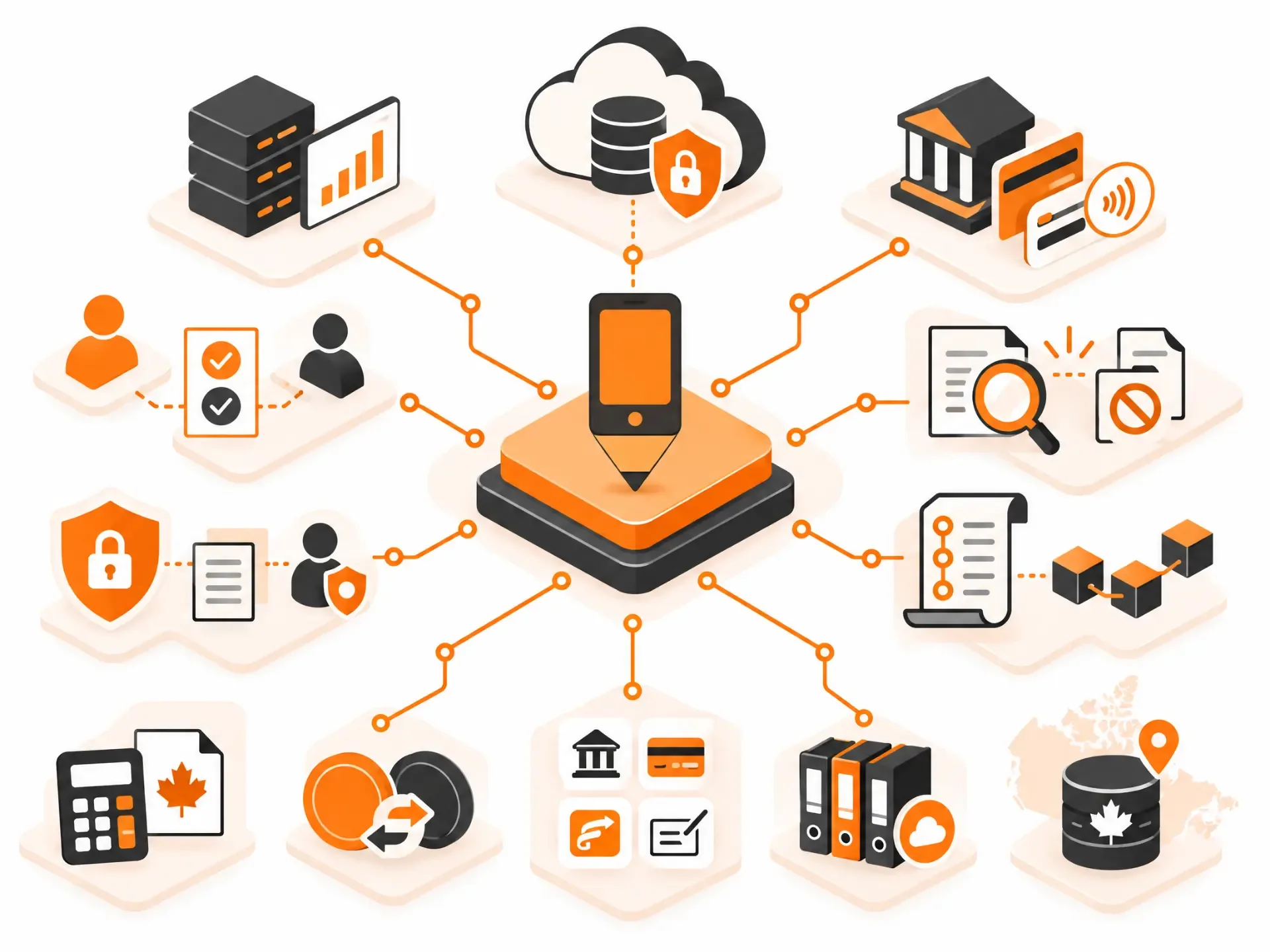
- Sales taxes. GST/HST, PST and QST rules differ by province, and invoices often mix them. The app should capture and code each tax correctly so input tax credits are easy to claim.
- Record-keeping. The CRA generally requires businesses to keep books and records, including supporting documents, for six years from the end of the tax year they relate to. Store originals and the extracted data together, retrievable on request.
- Currencies and payment rails. CAD and USD at minimum, with exchange rates recorded on each transaction, and support for Canadian payment methods such as EFT and Interac e-Transfer for business.
- Privacy law. Financial records contain personal information about employees, customers and vendors. PIPEDA applies to much private-sector activity, and Quebec, Alberta and British Columbia have their own privacy laws.
- Data residency. Some customers, particularly in the public sector and regulated industries, require financial data to be hosted in Canada.
- Moving money for others. If your product will hold or move funds on behalf of other businesses, it may fall under money services business rules administered by FINTRAC. Get legal advice early; it changes the architecture.
This is general information, not legal or tax advice.
Build, Buy or Extend?
| Approach | Best when | Watch out for |
|---|---|---|
| Buy an off-the-shelf platform | Your processes are fairly standard and you want to start quickly | Per-user or per-transaction fees, limited customization, gaps between tools |
| Build a custom web app | Your workflows, entities or integrations are unusual, or automation is a competitive edge | Higher upfront cost; needs a team that understands finance controls |
| Extend what you have | Your accounting system works but the steps around it are manual | Integration quality and keeping two systems in sync |
For many mid-sized Canadian companies, the third option is the sweet spot: keep the accounting system, and build a focused web app that automates intake, approvals, reconciliation and reporting around it.
How Much Does a Custom Finance Automation Web App Cost?
| Scope | Typical range (CAD) | Typical timeline |
|---|---|---|
| Focused MVP: one workflow (for example AP intake and approvals) with one accounting integration | $45,000 – $85,000 | 3 – 5 months |
| Multi-workflow platform: AP, AR, reconciliation and dashboards | $100,000 – $250,000 | 6 – 10 months |
| Enterprise or regulated: multi-entity, payments, advanced controls and audit | $250,000+ | 9 – 12+ months |
Integrations, AI document processing and payment features are the biggest cost drivers. Starting with one high-volume workflow and expanding once it proves its value is almost always the cheaper path. For broader budgeting, see our Application Development Cost guide.
Common Mistakes to Avoid
- Automating a broken process instead of fixing it first.
- Treating integrations as an afterthought, which leads to re-keying between systems.
- Skipping segregation of duties because "we're a small team."
- Letting AI post entries or release payments without human approval.
- Forgetting the exceptions: the 5–10% of items that don't match automatically need a clear workflow.
How App-Scoop Builds Finance Automation Web Apps
We design custom web applications and AI workflow automation for Canadian businesses, connected to the accounting tools you already use. Every project starts with a fixed-fee Blueprint that maps your current process, the controls you need and a fixed scope and price. Talk to us about the workflow that costs your team the most time.
Frequently Asked Questions
What is a finance automation web app?
Browser-based software that automates repetitive finance work (invoices, approvals, payments, collections, reconciliation and reporting), usually connected to your existing accounting or ERP system.
Which features should we automate first?
Start with the highest-volume, most manual workflow, usually invoice capture and approvals, or bank reconciliation. They remove the most keying and the most errors.
What's the difference between AP and AR automation?
Accounts payable automation handles money going out: invoices, approvals and supplier payments. Accounts receivable automation handles money coming in: invoicing, reminders, collections and matching customer payments.
Can AI process invoices accurately?
Modern AI extraction handles most invoices well and learns vendor layouts over time, but it should flag low-confidence fields for a quick human check. Accuracy also depends on document quality.
How does automated bank reconciliation work?
The app pulls bank transactions daily and matches them to ledger entries using rules such as amount, date and reference. Anything it can't match goes to an exceptions queue for review.
Should we build a custom app or buy a platform?
Buy when your processes are standard. Build or extend when your workflows, entities or integrations are unusual, or when per-user fees grow faster than the value you get.
How much does a custom finance automation app cost in Canada?
A focused MVP covering one workflow typically costs CAD $45,000–$85,000; a multi-workflow platform $100,000–$250,000; enterprise or regulated builds more.
Which accounting systems can it integrate with?
Commonly QuickBooks, Xero, Sage, NetSuite and Microsoft Dynamics, plus banks, payment providers and document storage.
What Canadian rules affect finance software?
Sales tax handling (GST/HST, PST, QST), CRA record-keeping (generally six years), privacy laws such as PIPEDA, and possibly FINTRAC rules if the product moves money for others.
Is cloud finance software secure?
It can be very secure with encryption, multi-factor authentication, role-based access, audit logs and regular testing. Ask any vendor or developer for evidence of those controls.
Have a project in mind?
Let's talk about how we can build it. Free consultation, no obligation.
Get a Free Consultation