
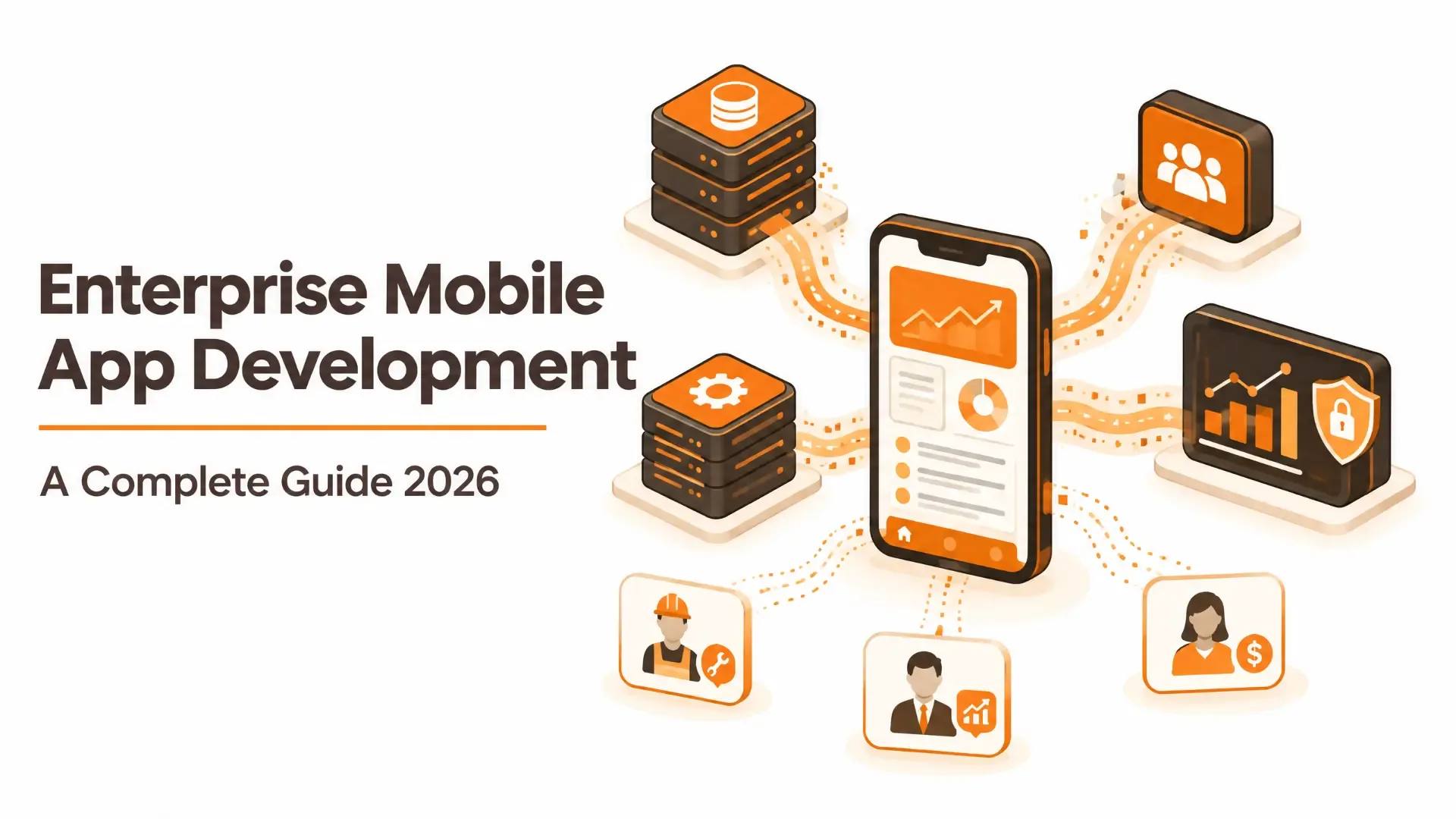
Enterprise Mobile App Development: A Complete Guide 2026
An Amazon warehouse worker scanning packages, a bank relationship manager pulling up a client's portfolio between meetings, or a field technician logging a repair before leaving the site—none of that runs on a typical consumer app. It runs on software built specifically for how a large organization actually operates: many users, many roles, real security requirements, and systems that already exist and have to keep working.
That is the real dividing line. Here is what actually separates an enterprise mobile app from a regular one, what it costs, how the build works, and the mistakes we see teams make most often.
TL;DR
- An enterprise app is defined less by its feature count and more by what it must integrate with, how many user roles it supports, and how seriously it treats security and compliance.
- The trigger for needing one is usually a specific pain point: growth outpacing current tools, a legacy system becoming a liability, or a compliance requirement that spreadsheets and email chains cannot satisfy.
- Cost realistically ranges from roughly $50,000 CAD for a focused internal tool to $400,000+ for a solution spanning multiple systems, roles, and regulatory requirements.
- The most common failure is not bad code. It is building the wrong scope because the people who will use the app every day were not involved early enough.
What Actually Makes an App “Enterprise”?
It is not the price tag or the size of the company. An enterprise app is defined by three things a typical consumer or small-business app does not need to handle:
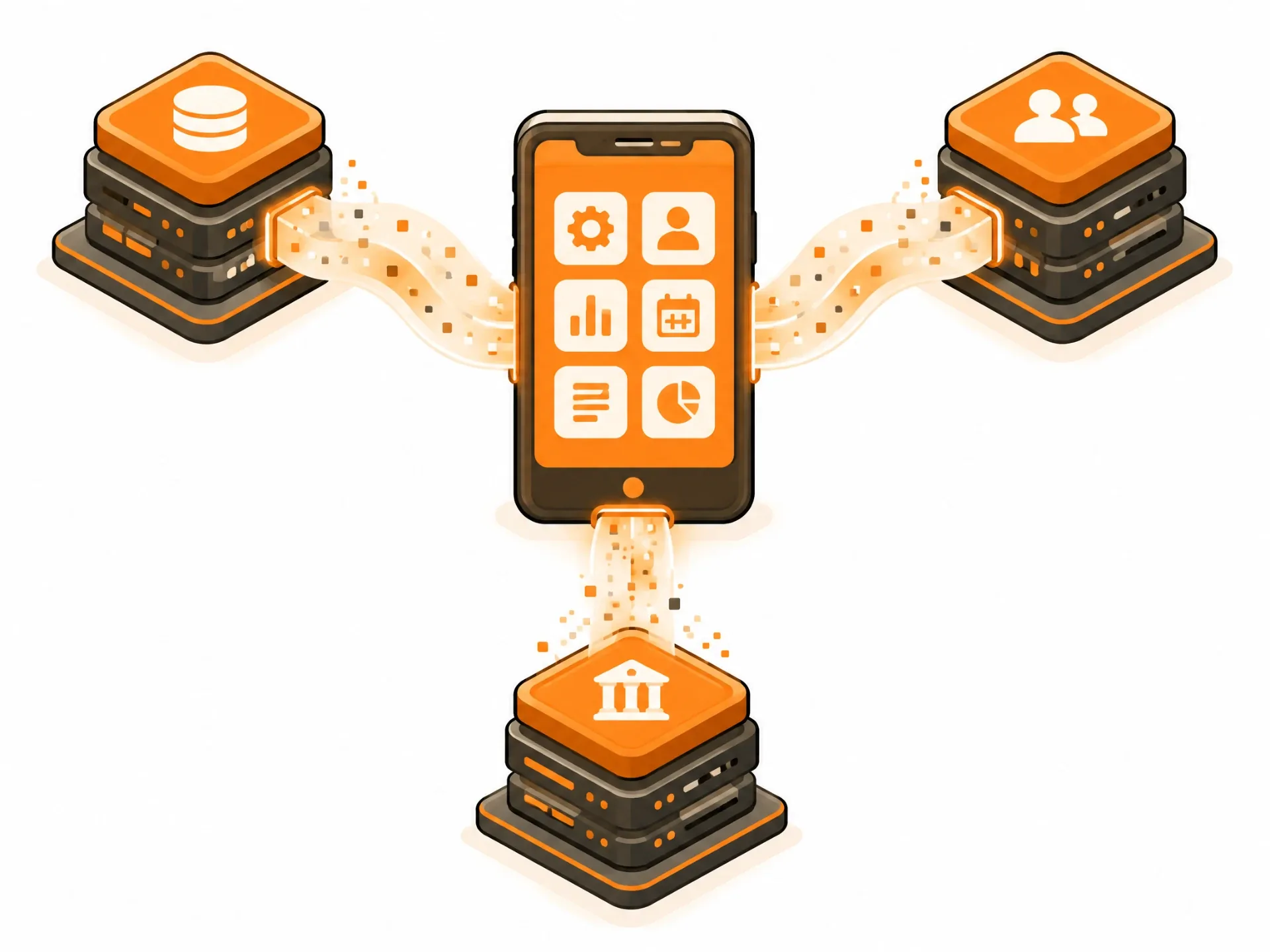
- It has to communicate with systems that already exist. Your ERP, CRM, HR platform, and other operational systems were often in place long before the app. An enterprise mobile app rarely stands alone.
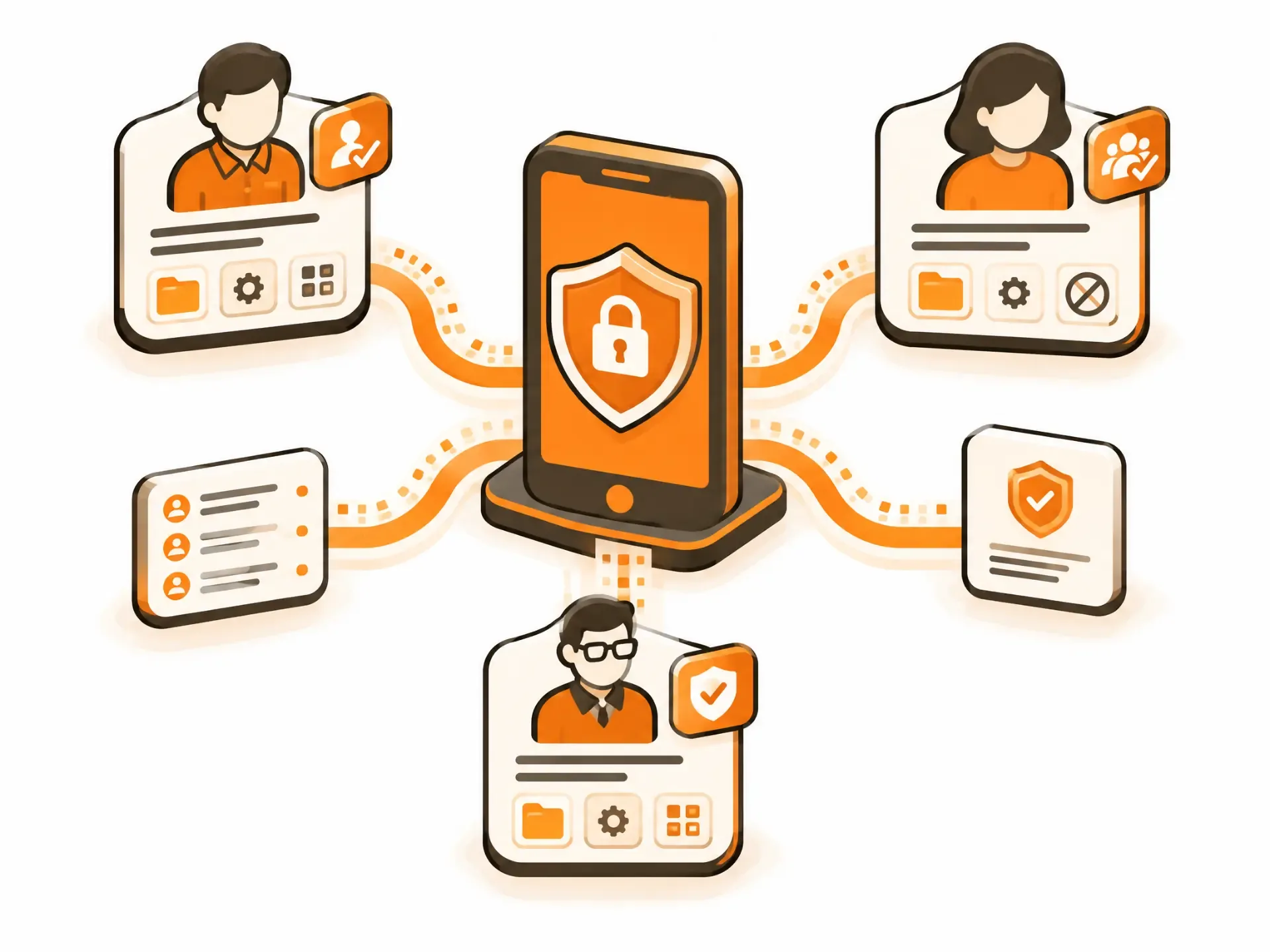
- It serves multiple roles, not one user type. A field technician, supervisor, and finance specialist might all use the same app differently, with distinct permissions and views of the same underlying data.
- Security and compliance are not optional add-ons. In healthcare, finance, and other regulated industries, the app has to be designed to satisfy an audit from day one—not patched to comply afterward.
When a Business Actually Needs One
A few patterns tend to show up right before a company decides it is time:
- You have outgrown what off-the-shelf software can flex to do and are using spreadsheets and manual workarounds to bridge the gaps.
- A legacy system is now slowing everyone down rather than making work easier.
- Your team is already working around a bring-your-own-device reality without a coherent mobile strategy.
- A compliance requirement demands documentation, audit trails, or access controls that current tools genuinely cannot provide.
Types of Enterprise Apps
Enterprise apps can be grouped by who uses them and the job they perform.
| Category | Examples | What It Solves |
|---|---|---|
| Employee-level | Expense tracking, time logging | Individual productivity, one person at a time |
| Department-level | Project management, campaign tools | Coordination within one team or function |
| Company-level | ERP, company-wide analytics dashboards | Operations spanning the whole organization |
| Communication and collaboration | Team messaging, video, shared workspaces | Keeping distributed teams connected |
| CRM | Sales pipeline, customer support tools | Managing customer relationships and data |
| ERP | Finance, inventory, and HR in one system | Unifying core business processes |
| BI and analytics | Executive dashboards, reporting tools | Turning raw data into decisions |
Why This Is Not Just “App Development, But Bigger”
Much of what goes into mobile app development—platform choice, user experience, testing, and launch—applies here too. What is genuinely different is the depth required in a few specific areas:
- Integration. Connecting cleanly to ERP, CRM, and internal systems, usually through APIs, is often the hardest and most underestimated part of the entire build. This is exactly what our API & System Integration team handles, and it is rarely a small afterthought on an enterprise project.
- Role-based access. Different users need different permissions and different views of the same data. That has to be designed into the architecture from the beginning, not retrofitted.
- Scale from day one. An enterprise app needs to handle real, growing usage without a rebuild. This is why our Full Stack Development team plans the supporting architecture around growth upfront rather than patching it later.
Where These Projects Actually Go Wrong
The usual cause is not bad code. More often, it is one of these planning failures:
The People Who Will Use It Daily Were Not Involved Early Enough
A dashboard built around what leadership assumes the field team needs—without asking that field team—often gets built twice: once wrong and once right.
Integration Gets Treated as a Footnote
“We will connect it to the ERP later” is one of the most common ways a project's timeline and budget quietly double halfway through the work.
Security Gets Bolted On Instead of Built In
Retrofitting access control and audit trails onto a finished app is slower, more expensive, and riskier than designing for them from the start.
Scope Creeps Because Nobody Says No
Enterprise apps touch many stakeholders, and every stakeholder has a feature they would like added. Without someone actively protecting the original scope, the timeline stretches and the budget follows.
How the Build Actually Goes
The same four-stage process works for every App-Scoop build, with more emphasis on the first stage than a typical consumer app usually needs:
- Discovery and strategy: Integration requirements, user roles, compliance needs, and success criteria are mapped with input from the people who will use the app—not only the people funding it.
- Design and prototyping: Wireframes and a working prototype are tested against real user roles before full development starts.
- Agile development: Sprint-based delivery and regular demonstrations validate integration and access-control work early instead of revealing problems close to launch.
- Launch and growth: Deployment is followed by the ongoing support enterprise systems need as usage, connected systems, and requirements evolve.
What Enterprise Mobile App Development Costs
| Scope | Typical Range (CAD) | Timeline |
|---|---|---|
| Focused internal tool | $50,000–$85,000 | 3–6 months |
| Mid-complexity with multiple integrations | $90,000–$200,000 | 7–8 months |
| Highly complex, multi-system, multi-role, regulated | $220,000–$400,000+ | 9–12 months |
What pushes an enterprise project toward the higher end is not simply feature count. It is the number of systems the app must integrate with, how many distinct user roles it supports, and which compliance standards it must satisfy. For the broader cost factors that apply to any app build, see our Application Development Cost breakdown.
Frequently Asked Questions
What is the real difference between an enterprise app and a regular business app?
Integration depth, the number of user roles, and how seriously security and compliance are treated from the start. A small-business app can often stand alone; an enterprise app almost always has to connect to systems that already exist.
How long does enterprise mobile app development take?
A focused internal tool can launch in 3 to 6 months. Projects touching multiple systems and user roles typically run 7 to 8 months, while highly regulated, multi-system builds can take 9 to 12 months or more.
Do we need separate iOS and Android apps, or can one codebase cover both?
For many enterprise apps, a cross-platform approach such as Flutter or React Native can cover both efficiently from one codebase. The exception is when the app needs deep platform-specific integration with hardware or operating-system features, where native development can still have a real advantage.
What is the biggest integration challenge with existing enterprise systems?
Usually it is not the technical connection itself but the condition of the data on the other end—inconsistent formats, incomplete records, or a legacy system that was never designed to be queried this way. Budget real time for this during discovery rather than treating it as a surprise midway through development.
How do you handle different user roles and permissions in one app?
Role-based access is designed into the architecture from the start. It determines what each user type can see and do based on the organization's actual structure rather than a generic template.
Should AI be part of our enterprise app from day one?
Only where it solves a specific, validated problem. Predictive analytics, smart routing, and anomaly detection can all be useful in the right context. Our mobile app development trends guide covers where AI is worth the investment and where it is not yet a priority.
What ongoing costs should we budget for after launch?
Plan for maintenance, security updates, platform updates, and support for new integrations as connected systems change. Enterprise apps tend to need more ongoing attention than consumer apps because they connect to more moving parts.
Where App-Scoop Fits In
We build enterprise apps through the same Full Stack Development and API & System Integration work described above—not as a separate, bolted-on “enterprise” tier. If the project involves automating a workflow or adding AI-powered features, our AI Workflow Automation team integrates that work from the beginning. Get in touch and we will give you an honest view of the scope and cost for what you are actually trying to build.
Have a project in mind?
Let's talk about how we can build it. Free consultation, no obligation.
Get a Free Consultation