
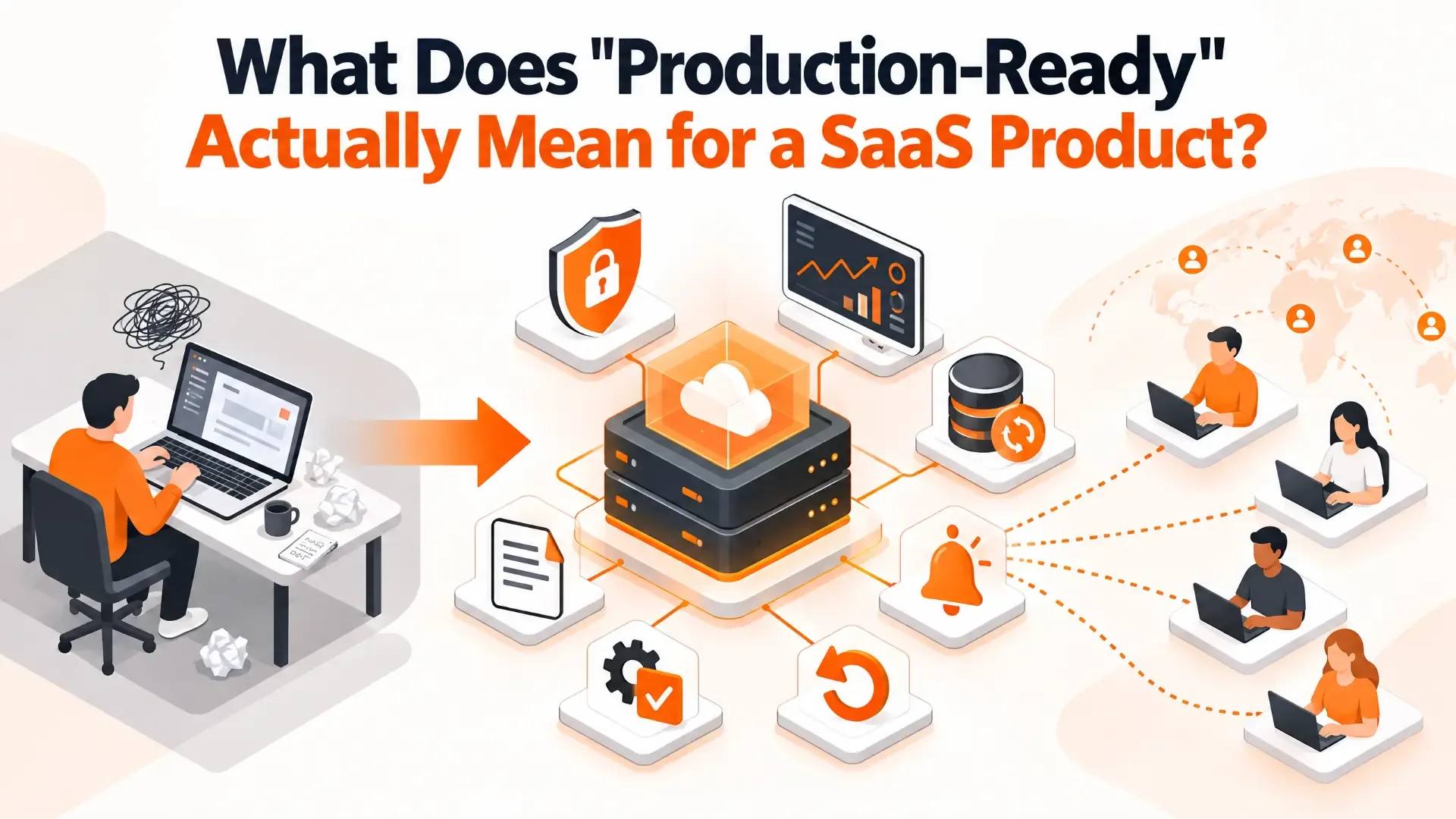
What Does "Production-Ready" Actually Mean for a SaaS Product?
There's a moment in almost every software project when someone says, "It works." And it does—on their laptop, with their test data, while they're watching. Then a hundred real customers show up. A password-reset email lands in spam, a database fills its disk at 2 a.m., and nobody notices until a customer writes in. The distance between "it works" and "it's ready for real users" is where a surprising number of SaaS launches get into trouble.
"Production-ready" gets used constantly and defined rarely. Here's a plain-English definition, the seven areas it covers, ten questions you can put to your own team this week, and why fast-built and AI-built prototypes tend to fall short in the same predictable places.
TL;DR
- Production-ready doesn't mean perfect or gold-plated. It means the ways your product can fail have been thought through on purpose: it's secure, it can recover, you can see when it breaks, and someone other than the original author can fix it.
- Seven areas decide it: security, reliability, performance, observability, data and recovery, maintainability, and launch readiness.
- The gaps are almost always in the invisible layers—error handling, monitoring, tested backups and automated tests. They don't show up in a demo, which is exactly why they get skipped.
- Readiness isn't a one-time gate. It decays as the product grows, so re-run the checks before any major change.
Working vs. Production-Ready: What's the Real Difference?
A product that "works" does what it's meant to when the person who built it is operating it, under friendly conditions. A production-ready product does what it's meant to for strangers, at unpredictable times, when something upstream is failing and the people who built it are asleep.
A useful test, borrowed from the reliability-engineering world: could someone who didn't write this tell that it was broken, work out why, and put it right without phoning the original developer at 2 a.m.? If the answer is no, it isn't production-ready yet, however good the product looks. It's also worth separating two ideas that get blurred together: a product can be ready for customers—the features and experience are there—while still being unprepared for the operational reality of running live.
What "Production-Ready" Doesn't Mean
- It isn't gold-plating. Production-ready software still has rough edges. The difference is that the team knows where they are, on purpose, rather than discovering them through customer complaints.
- It isn't "zero bugs." No one ships that. It means the failure modes that turn a small bug into a long outage have been dealt with deliberately.
- It isn't "ready for a million users." It means sized for the workload you actually expect, with headroom and a plan for growth.
- It isn't the same as launch-ready. We'll come back to that distinction below.
The Seven Areas of Production Readiness
| Area | The Question It Answers | What "Ready" Looks Like |
|---|---|---|
| 1. Security | Can the wrong person get in, or get data out? | Authentication and role-based access, validated input, secrets kept out of code and browsers, HTTPS everywhere, and current dependencies. |
| 2. Reliability | What happens when something fails? | Errors are caught and logged rather than shown as raw crashes; outside services retry sensibly and fail safely; data stays consistent if a step fails midway. |
| 3. Performance | Does it stay fast under real load? | Key actions tested at expected volume; the database indexed for the queries that actually run; caching where it genuinely helps. |
| 4. Observability | Will you know before your customers do? | Alerts on critical errors, searchable logs, and uptime checks on the paths that matter most. |
| 5. Data and recovery | Can you restore it if something serious happens? | Automated backups plus a restore someone has actually tested; reversible database migrations; privacy obligations handled. |
| 6. Maintainability | Can someone else safely change it? | Readable structure, tests on critical flows, and enough documentation that the next engineer isn't starting from zero. |
| 7. Launch and rollback | Is the release planned and reversible? | Separate development, staging and production environments; QA on real devices and browsers; a rollback plan and support plan. |
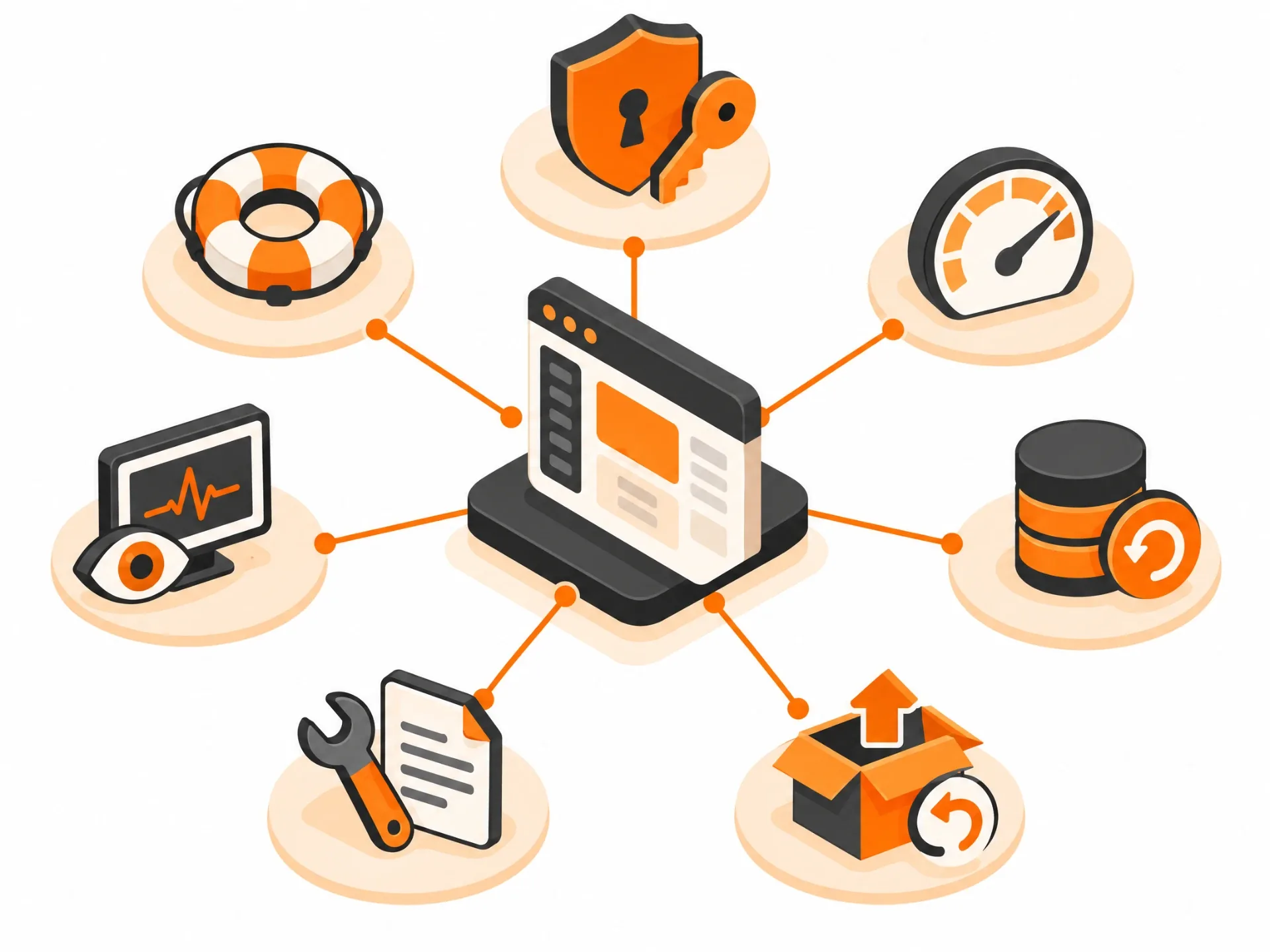
Most of that list is intuitive. Three items deserve extra attention because founders consistently underestimate them.
Observability: You Can't Fix What You Can't See
If your monitoring can't tell you about a critical error the moment it happens, your customers are your alert system. That isn't a plan. At minimum, someone should be notified automatically when the app goes down, when error rates spike, and when something critical like payments or sign-up starts failing.
Recovery: A Backup You've Never Restored Isn't a Backup
Plenty of teams run backups. Far fewer have ever restored one. The first time you learn whether it works shouldn't be during an incident. Schedule a restore test, and write down how long it took.
Environment Separation
Development, staging and production should be separate. Production credentials should never live in the code, and certainly never in front-end files that anyone can open in a browser. It's one of the most common findings when a prototype gets reviewed, and one of the easiest to fix early.
Ten Questions to Ask Your Team This Week
You don't need to read code to run a readiness check. Ask these, and listen for specific answers rather than reassurance.
- If production went down right now, how would we find out, and how fast? A good answer: an automated alert, within minutes, to a named person.
- When did we last restore from a backup? A good answer: a specific date, and it worked.
- What happens if our payment provider, email service or AI API goes down for an hour? A good answer: the app degrades gracefully and recovers on its own.
- How do we roll back a bad release? A good answer: a documented, practised procedure that takes minutes.
- Where do our secrets and API keys live? A good answer: a secrets manager or protected environment configuration, never the codebase or the browser.
- Who can access customer data, and is it logged? A good answer: role-based access with an audit trail.
- What's tested automatically? A good answer: at least sign-up, login, payments and the core workflow.
- How many users can it handle today, and how do we know? A good answer: a number backed by a load test, not a guess.
- Could a new engineer ship a change in their first week using only our documentation? A good answer: yes, and someone has tried it.
- What are the known gaps, and who decided we'd accept them? A good answer: a written list with owners. Knowing what isn't done, deliberately, is part of being ready.
Why Prototypes, Especially AI-Built Ones, Fall Short
Fast-built software tends to skip the same layers, and AI-built prototypes skip them for a specific reason: those layers are invisible in a demo. A generated app can look finished, with clean screens and working buttons, while sitting on a thin backend, weak or missing authentication, a database that can't survive a migration, secrets embedded in front-end code, no real error handling and no tests. Some AI app builders produce impressive interfaces with very little real backend behind them.
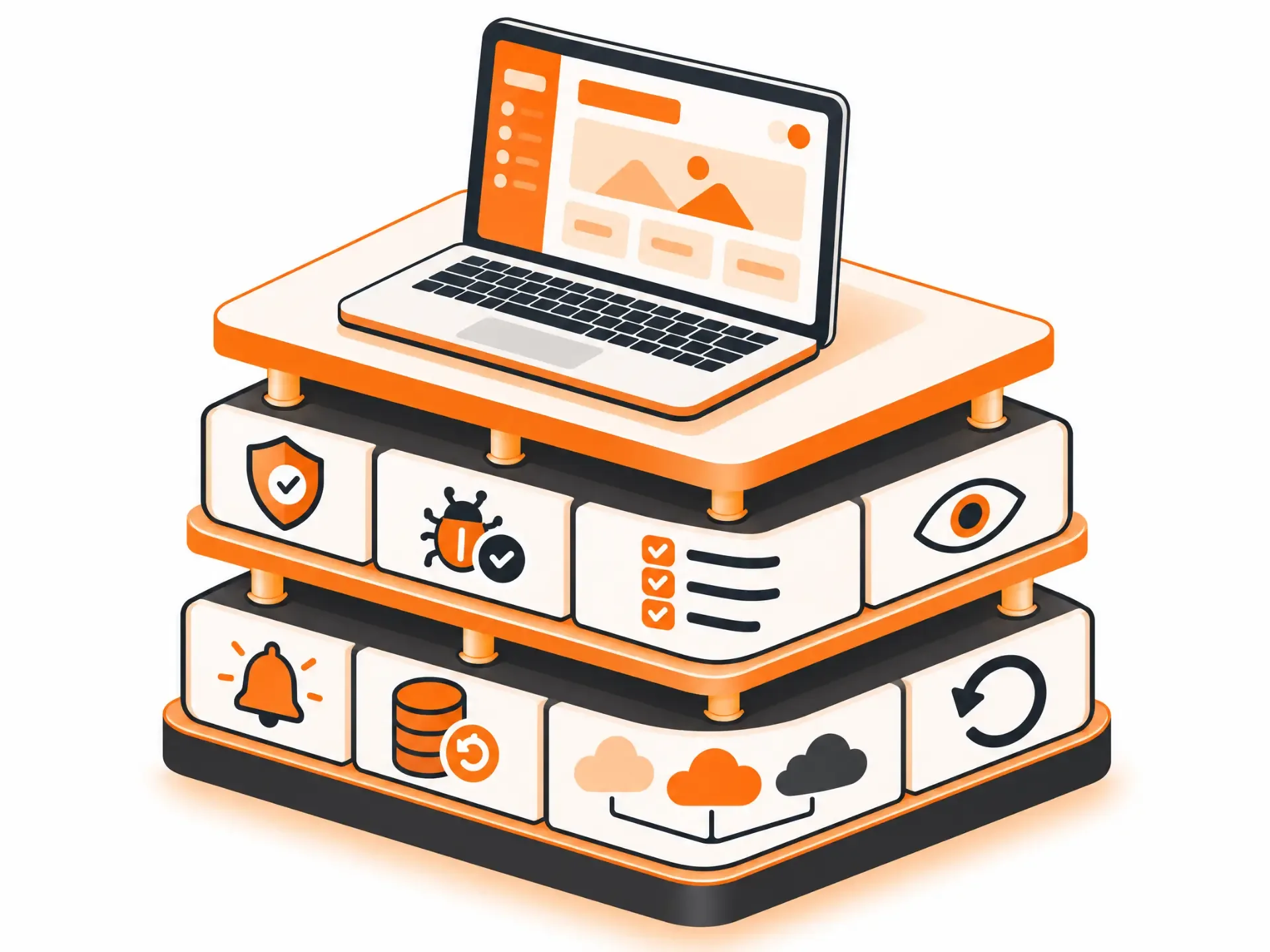
The research points the same way. In Veracode's 2025 testing, 45% of AI-generated code samples introduced security vulnerabilities. CodeRabbit's analysis of real pull requests found AI-co-authored code carried roughly 1.7 times more issues overall than human-written code. And Google engineer Addy Osmani's "70% problem" captures the pattern well: AI gets you most of the way quickly, but the final stretch—edge cases, real integrations, security and debugging—takes about as long as it ever did.
None of this makes AI tools bad. They're fast, and for validating an idea they're often exactly the right choice, a balance we covered in Vibe Coding vs. Professional App Development. It just means "it runs" and "it's ready" are two different milestones, and the second one still takes engineering.
Production-Ready vs. Launch-Ready vs. "Done"
A launch checklist is about the release event: feature flags, marketing, support coverage, and the go or no-go call. Production readiness is about whether the system can be operated afterwards: observed, scaled and recovered. You need both. Teams that confuse them tend to have a great launch day and a rough launch week. And "done" isn't a state software ever reaches. It's a state it's maintained in.
Readiness Isn't a One-Time Gate
Treat the first pass as a gate before launch. Then revisit it before any major change: a new region, a new data store, a significant traffic jump, a big feature or a new integration. The checklist barely changes; what counts as "done" against it grows as the system does. And when something does go wrong, turn the incident into a test, an alert or a checklist item, so the same failure can't surprise you twice.
How We Think About It at App-Scoop
We work in a fixed order: Blueprint, then build, then launch and stabilize. The Blueprint matters here because it writes down how the product is supposed to behave, along with the architecture, integration and security decisions behind it. That's what makes a guarantee meaningful: "it works as documented" only means something if there's a document. Our Zero-Defect Guarantee rests on that idea. If anything we built doesn't work as documented in the Blueprint, we fix it free until the product is stable in production, provided the agreed implementation process has been followed.
If you're building a new product and want it production-ready from day one, explore our production-ready SaaS development approach. For the cost side of the picture, see our Application Development Cost guide, and if you're planning to build in Canada specifically, read SaaS Product Design and Development in Canada.
Frequently Asked Questions
What does production-ready mean for software?
Software that's secure, reliable, observable and maintainable: it protects its data, handles errors gracefully, copes with real load, tells you when something breaks, can be recovered after an incident, and can be safely changed by someone other than the person who wrote it.
How do I know if my SaaS product is ready to launch?
Walk through the seven areas—security, reliability, performance, observability, data and recovery, maintainability, and launch readiness—and ask for evidence in each, not reassurance. Gaps in any one of them are what usually cause post-launch failures.
Is a production readiness checklist a one-time gate or an ongoing practice?
Both. Use it as a gate before launch, then revisit it before any significant change such as a new region, a new data store or a large traffic increase. Readiness decays as the system and the team change.
How is production readiness different from a launch checklist or a test plan?
A launch checklist covers the release event: marketing, support coverage, and the go or no-go decision. A test plan checks that features work. Production readiness asks whether the system can be operated, observed, scaled and recovered once it's live.
What's the most overlooked part of production readiness?
Observability and recovery: monitoring, alerts, tested backups and a rollback plan. Without them customers find problems before you do, and recovery takes far longer than it should.
Why do AI-built apps struggle in production?
They usually skip the unglamorous layers—security, error handling, monitoring, automated tests and maintainable structure—that never show up in a demo but decide whether the app survives real users.
Is an app built with Lovable, Bolt or Cursor production-ready?
Not by default. It depends on the tool and on what it actually generated. Many produce a polished front end without a complete backend, database design or authentication behind it. Treat it as a strong prototype and have it reviewed against the seven areas before real customers rely on it.
What is a production readiness review?
A formal checkpoint where the person responsible for a service walks through the readiness checklist with engineering, security and sometimes product stakeholders before launch, so gaps are found and owned before customers find them.
How long does it take to make an existing MVP production-ready?
It depends entirely on what's missing: from days for a small set of targeted fixes to several weeks for structural work. Anyone quoting a firm number without looking at the code is guessing.
Do small startups really need all of this?
They need the fundamentals: security basics, tested backups, monitoring and a rollback path are non-negotiable even at ten users. What a small team can skip is heavyweight process. The goal is proportionate readiness, not enterprise bureaucracy.
Want a Straight Read on Where Your Product Stands?
If you're not sure whether your SaaS product is ready for real customers, get in touch. We'll tell you plainly what's solid, what isn't, and what it would take to fix.
Have a project in mind?
Let's talk about how we can build it. Free consultation, no obligation.
Get a Free Consultation