
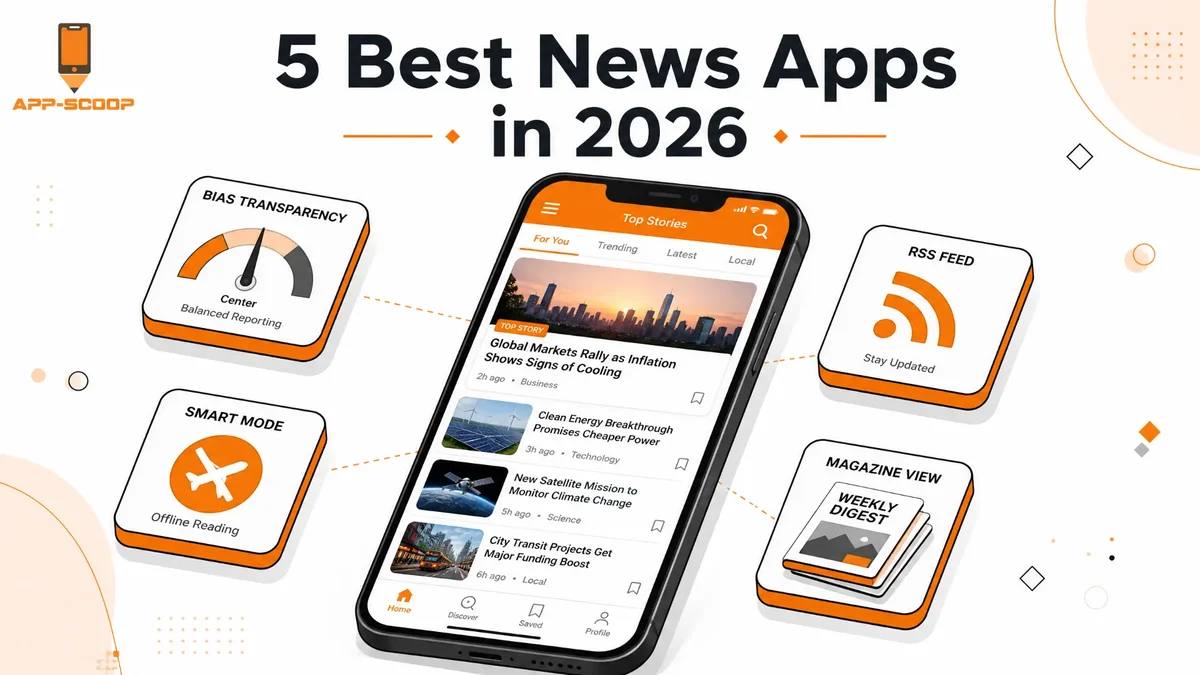
5 Best News Apps in 2026 for Staying Informed
Keeping up with the news shouldn't mean doom-scrolling a social media feed and hoping the algorithm decides to show you something true. Between paywalls, sensational headlines, and feeds quietly built to keep you scrolling rather than inform you, actually staying on top of what's happening has gotten oddly complicated for something that used to just mean reading a newspaper over breakfast.
News aggregator apps exist to fix exactly that problem — pulling from real news sources into one place, without the comment-section chaos of social media. We looked at what's actually available in 2026, including apps that have picked up serious traction in Canada specifically, and put together this list based on usability, cost, and how well each one genuinely keeps you informed rather than just occupied.
TL;DR
- Google News remains the strongest free, all-around pick for most people — its Full Coverage feature is genuinely useful for comparing how different outlets report the same story.
- Apple News is the best choice if you're in the Apple ecosystem and want paywalled sources like WSJ and The New Yorker bundled into one subscription.
- Ground News stands out specifically for bias transparency, rating source spread across the political spectrum in a way most other apps don't attempt.
- If you want tighter control over your exact sources rather than an algorithm's picks, Feedly and Inoreader (RSS-based readers) are worth a serious look.
- Canadian readers have a genuinely strong local option in CBC News, which most global "best news apps" roundups don't even mention.
What We Looked At
A handful of things mattered most when narrowing this list down:
- How well the app organizes a personal feed, rather than dumping everything into one undifferentiated stream
- Whether you can search, filter, and follow specific topics or sources directly
- How much control you have versus how much the algorithm decides on your behalf
- Real pricing, not "free with a catch" buried three screens into onboarding
- Whether the app helps you see more than one angle on a story, and platform support across the devices you actually use
1. Google News — Best Free, All-Around Option
Google News is still the easiest "just install one app" answer for most people. Sign in with a Google account and the feed starts learning what you actually read within days. Its standout feature is Full Coverage: tap a bigger story to see how different outlets report the same event side by side, rather than getting locked into one framing. The tradeoff is that the algorithm has real influence over what surfaces first, and your feed draws on your broader Google account activity.
- Best for: Broad, free coverage without setting anything up manually.
- Price: Free, with no paid tier.
2. Apple News — Best for Paywalled Content
If you're already in the Apple ecosystem, Apple News is hard to beat for a clean, editor-curated experience. The free tier covers a reasonable range of sources, but the real draw is Apple News+, bundling a genuinely large list of otherwise-paywalled publications — The Wall Street Journal, Vanity Fair, The New Yorker, and a long list of local papers — into one subscription. The catch is platform lock-in: no Android app, no web version, and availability limited to a handful of countries, Canada included.
- Best for: Apple users who want paywalled, premium sources without subscribing to each one individually.
- Price: Free tier available; Apple News+ runs $12.99/month, or bundled into Apple One Premier.
3. Ground News — Best for Bias Transparency
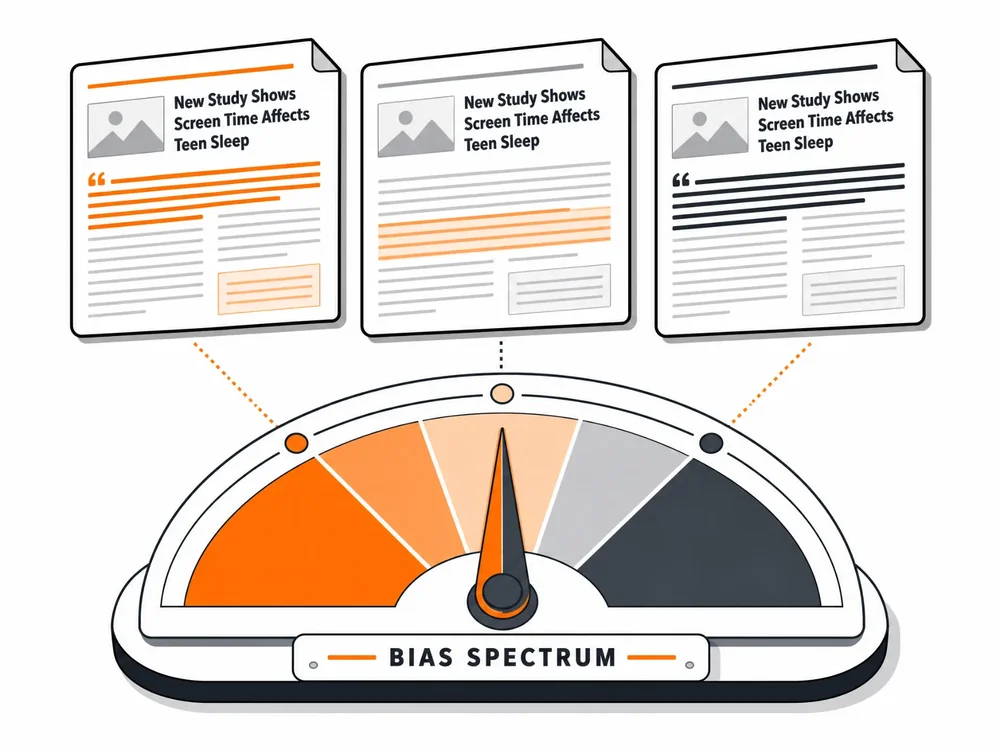
Ground News takes a genuinely different approach: every story gets a breakdown showing how many sources are covering it, where those sources fall on the political spectrum, a factuality rating, and who owns the outlet. The Blindspot Feed surfaces stories one side of the spectrum is covering heavily while the other largely ignores — a pattern that's genuinely hard to notice on your own. It draws from more than 50,000 sources and adds roughly 60,000 articles a day; the free tier covers basic bias ratings, while paid tiers unlock the full Blindspot feed and factuality scoring.
- Best for: Anyone who wants to actively understand bias in their news diet, not just consume headlines.
- Price: Free tier available; Pro is about $9.99/year, Premium around $29.99/year, Vantage $99.99/year.
4. SmartNews — Best for Offline Reading
SmartNews is a fast, mobile-first app built around a genuinely useful trick: turn on Smart Mode overnight and your preferred sections get cached and ready before you leave the house — a strong pick for commuters dealing with spotty subway or rural signal. It pulls from more than 3,000 publishers and includes a News From All Sides slider for swiping between left-, center-, and right-leaning takes on the same story.
- Best for: Commuters and mobile-first readers who want offline access without paying for it.
- Price: Free, ad-supported.
5. Flipboard — Best for Building Your Own News Experience
Flipboard's whole premise is letting you build a personal magazine out of whatever sources, blogs, and topics you actually care about. It sits somewhere between a news aggregator and an RSS reader, with a distinctive page-flipping interface (traditional scrolling is also available). You can curate a magazine and share it, which is handy for keeping a team or a group of friends focused on one running topic.
- Best for: Someone who wants to hand-curate sources rather than rely on an algorithm.
- Price: Free, ad-supported.
6. Feedly — Best for Source-by-Source Control
Feedly is an RSS-first reader built for people who'd rather pick every source themselves than let an algorithm decide. You choose exactly what comes in and read chronologically. Its Leo AI assistant, on the Pro+ tier, can summarize articles, remove duplicate coverage, and even follow a natural-language topic instead of a single URL.
- Best for: Researchers, analysts, and anyone who wants direct control over their source list.
- Price: Free tier limited to 100 sources; Pro runs roughly $6–$8/month; Pro+ (with Leo AI) around $12.99/month.

7. Inoreader — Best for RSS Automation
Inoreader goes a step further than Feedly for readers following a genuinely large number of sources. Its rules engine automatically filters, tags, translates, or routes articles by keyword, author, or feed — useful for sorting specific terms into a Must Read folder instead of scanning everything manually. It also pulls in newsletters, YouTube channels, and podcasts, not just standard RSS.
- Best for: Power users tracking hundreds of sources who want serious automation.
- Price: A genuinely generous free tier (150 RSS feeds); Pro is about $7.50/month billed annually.
8. daily.dev — Best for Developers
If your news diet is mostly technical, daily.dev is built for that — pulling from engineering blogs, dev communities, and tech publications, with a community upvote system that helps strong posts rise over time. The browser extension turns your new tab into a developer feed, so fresh technical reading is one click away instead of buried in bookmarks you forgot about.
- Best for: Developers and technical readers who want a feed tied to their actual work.
- Price: Free.
9. Rize — Best for AI-Summarized News
Rize takes the opposite approach from an endless scroll: based on your interests and history, it picks five stories a day with a short AI-generated summary of each, then closes itself once you're through. A chat prompt under each summary lets you ask follow-up questions directly — useful for context without falling down a research rabbit hole. Particle News is a similar, growing option if Rize's Apple-only availability is a dealbreaker.
- Best for: Anyone who wants a fast, bounded morning news habit instead of an open-ended scroll.
- Price: Free.
10. For Canadian Readers Specifically: CBC News
Most "best news apps" roundups are written with a US audience in mind and skip local Canadian coverage entirely — worth calling out directly here. CBC News: Breaking & Local is consistently one of the top-ranked news apps in Canada on both the App Store and Google Play: live streaming of The National, regional coverage across Toronto, Montreal, Vancouver, Halifax, and Calgary, and alerts tailored to what's relevant in your area rather than a US-centric algorithm's best guess. CTV News and Global News are solid alternatives or additions if you want a second Canadian source in the mix.
- Best for: Canadian readers who want local and national coverage a global aggregator won't prioritize.
- Price: Free.
At a Glance: How These Apps Compare
| App | Best For | Price |
|---|---|---|
| Google News | Free, all-around coverage | Free |
| Apple News | Paywalled content, Apple ecosystem | Free; News+ $12.99/mo |
| Ground News | Bias transparency | Free; Pro ~$9.99/yr+ |
| SmartNews | Offline reading, commutes | Free |
| Building your own curated feed | Free | |
| Feedly | Source-by-source RSS control | Free; Pro ~$6–$8/mo |
| Inoreader | RSS automation at scale | Free; Pro ~$7.50/mo |
| daily.dev | Developer/technical news | Free |
| Rize | AI-summarized, bounded reading | Free |
| CBC News | Canadian local & national news | Free |
How to Choose the Right One for You
With ten options above, the fastest way to narrow it down is to think about how you actually want to read, not which app has the most features.
If you check news in short bursts and want zero setup, Google News or SmartNews will get you there fastest. If you want tighter control over exactly which sources you follow, move to Feedly or Inoreader — RSS gives you a say an algorithm never will. If understanding bias matters more than speed, Ground News is worth the learning curve. And if you're Canadian, pair whichever global app you pick with CBC News.
Why Bother With a News App at All?
It's a fair question when social media already puts headlines in front of you constantly. A social feed is optimized to keep you scrolling, not to inform you — it has no particular reason to show you a balanced or complete picture of a story, only an engaging one. A dedicated news app, even a simple one, starts from actual reporting rather than whatever's generating the most comments.
Frequently Asked Questions
What's the best free news app?
Google News is the strongest all-around free option — broad source coverage, cross-platform, and no subscription required. Add Ground News' free tier alongside it specifically if bias-checking matters to you, since Google News doesn't attempt that at all.
Which news app is best for avoiding bias?
Ground News is built specifically around this, rating each story's coverage across the political spectrum and flagging what one side is covering that the other isn't. No app is truly neutral — the sources, algorithms, and editorial choices behind any of them involve judgment calls — but Ground News is one of the few that makes those choices visible rather than hidden.
Are AI-summarized news apps trustworthy?
They're a reasonable starting point, not a replacement for the original reporting. An AI summary can flatten nuance or miss context a full article would include, so treat apps like Rize or Particle News as a fast way to triage what's worth reading in full, not the final word on a story that actually matters to you.
Is it worth paying for a news app, or should I stick with free options?
Depends on what you're after. If you regularly hit paywalls on specific publications, a bundled subscription like Apple News+ often works out cheaper than subscribing to each outlet individually. If you're mostly after headlines and general coverage, the free tiers on this list cover that well without spending anything.
What's the difference between a news aggregator and an RSS reader?
A news aggregator (Google News, Apple News, SmartNews) typically uses an algorithm or editorial team to decide what you see. An RSS reader (Feedly, Inoreader) hands that decision to you — you pick every source directly, with no algorithmic filtering in between.
Is there a good Canadian-specific news app?
CBC News: Breaking & Local is consistently one of the top-ranked news apps in Canada, with strong regional coverage across major Canadian cities and live coverage of CBC's national broadcasts. CTV News and Global News are solid alternatives or additions.
Do these apps work the same on iPhone and Android?
Apple News, Rize, and daily.dev's mobile experience skew toward or are exclusive to iOS. Google News, Flipboard, Ground News, SmartNews, Feedly, Inoreader, and CBC News all work across iOS, Android, and (for most) the web.
If You're Building an App in This Space
News and content-aggregation apps are a genuinely interesting category to build in — personalization, real-time data feeds, and increasingly AI-powered summarization all come together here. If you've got an idea for something in this space, App-Scoop's mobile app development team builds this kind of consumer app for both iOS and Android. If AI-powered summarization or personalization is part of the concept, our ChatGPT & LLM integration and intelligent data processing teams build that properly. Get in touch and we'll talk through what it would take.
Have a project in mind?
Let's talk about how we can build it. Free consultation, no obligation.
Get a Free Consultation